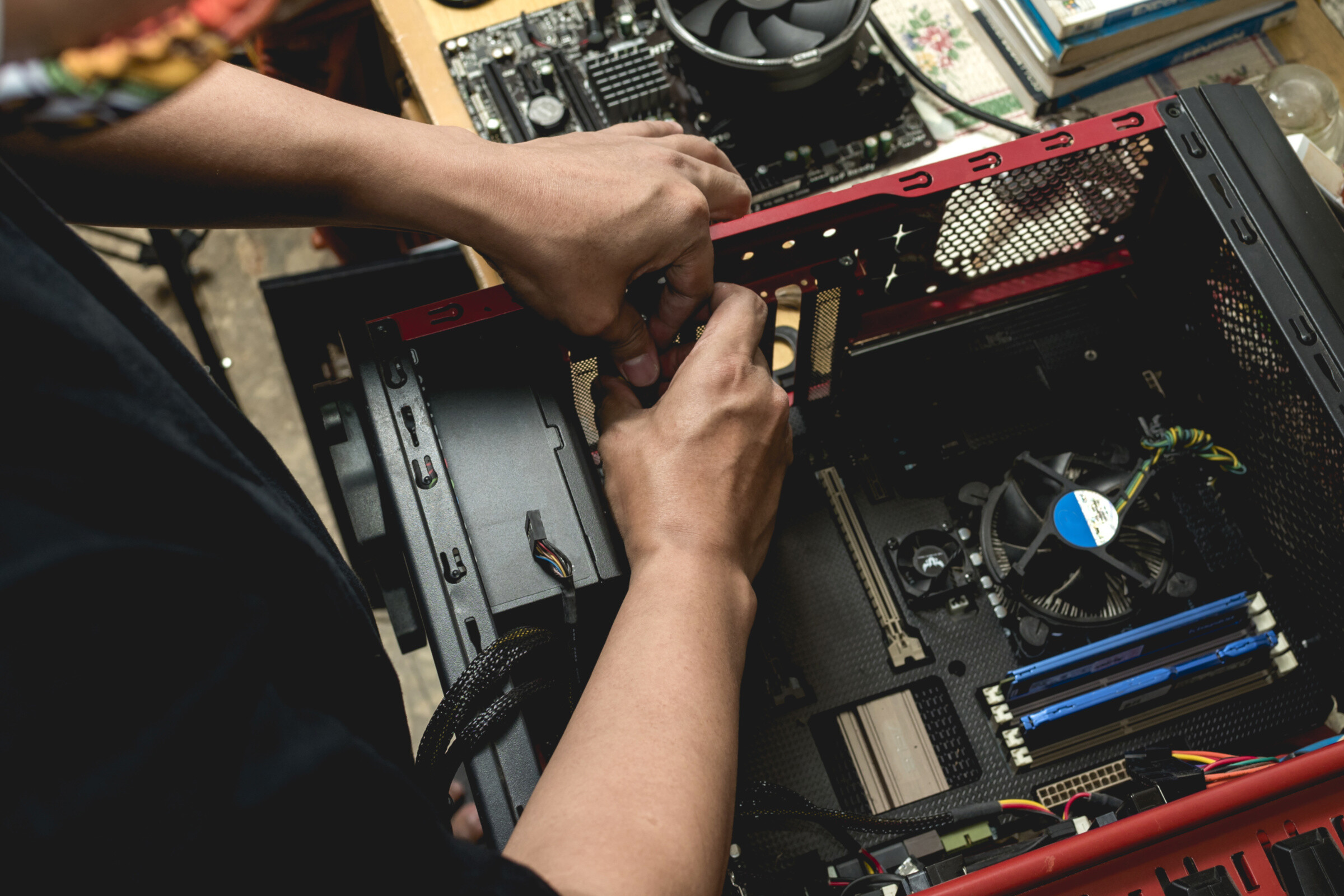
Find a professional computer repair service near you
Fill in a short form and get free quotes from PC repair experts near you
Great rating - 4/5 (13330+ reviews)
Get computer repairs near you
- Mobile computer technician near you
- Computer repairs
- Computer service
- Laptop repairs
- … or anything else
Best rated Computer Repairers near me

Latest Review
"Great experience with Colin- good communication, left the treadmill running smoothly and cleared up well"
Verified Badges

ID Verified

Mobile Verified

Latest Review
"Cheap but the work is very quality"
Verified Badges
ID Verified
Mobile Verified

Latest Review
"Great man proper knows what he’s doing deffo recommend very kind and polite "
Verified Badges
ID Verified
Mobile Verified

Latest Review
"Oslen did amazing job fittes my rig together and ensuring there was nothong missing or left out."
Verified Badges
ID Verified
Mobile Verified

Latest Review
"Noman is very helpful and designed our website. We are happy with the outcome "
Verified Badges
ID Verified
Mobile Verified

Latest Review
"Jamshaeed did a fantastic job installing my new graphics card and power supply, very detail orientated, would definitely..."
Verified Badges
ID Verified
Mobile Verified

Latest Review
"Helped me move some very heavy boxes as couldn’t do it alone. He was a huge help, very efficient, and got them through s..."
Verified Badges
ID Verified
Mobile Verified

Latest Review
"Salah got my furniture assembled very quickly and efficiently, and informed me of a problem with faulty manufacturing of..."
Verified Badges
ID Verified
Mobile Verified
Recent Computer Repairs reviews

Waiz really knows what he is doing! Highly recommended!
Repair a PC desktop
£50
Excellent. Best money spent. No stress.
Set up new gamers pc for my son
£100
Amazing service. Very polite and prompt and very knowledgeable. Went above and beyond. Highly recommend.
Fix my home computer
£80
Very efficient, thank you
Home office computer set up
£100
Nadim was very polite and Knowledgeable And explained what he was doing as he went along. Highly recommended.
Help me set up a printer to work
£100
Very happy with Vincent work. He fixed my Mac!
Repair computer Mac
£80
What's the average cost of a Computer Repairer
£50 - £110
low
£50
median
£80
high
£110

Average reviews for Computer Repairs Services
based on 113 reviews
4.9
What is Airtasker?

Post your task
Tell us what you need, it's FREE to post.

Review offers
Get offers from trusted Taskers and view profiles.

Get it done
Choose the right person for your task and get it done.
177+
Tasks successfully completed
1
Average amount of offers per task
1
hr
Average time to receive offers
Why book computer repairs near you through Airtasker?
Got computer problems? Tried turning it off and on again but it still won’t work? You need to find computer repairs near you. An experienced and professional computer technician will help you with troubleshooting, computer repairs, parts replacement, and even training so you can confidently handle the tech yourself. That way, your computer will be up and running again in no time so you can get back to work (or watching cat videos online).
The best place to find affordable computer repair prices and a computer repairman (or woman) near you is on Airtasker. No matter how small or serious your computer problem, you’ll find a techy who can help.
Stay insured
Get the best taskers
Choose your budget
Quick offers
Top Computer Repairs related questions
Common problems include slow speeds, a dead battery, power supply issues, not turning on, cracked screens, software compatibility issues, and the dreaded blue screen of death. There’s a lot that can go wrong with desktop and laptop computers, especially as your devices age and software updates continuously roll out..
There are some computer maintenance tasks you can DIY. Things like running virus checks, reinstalling your operating system, and installing new external hardware - like a printer or a mouse. But if it involves messing with your core files or opening up your computer or laptop casing, it’s safest to book affordable computer repairs from an experienced technician..
A computer technician can help with a range of hardware and software repairs, including computer backups, system upgrades, software compatibility fixes, hardware upgrades, data recovery, and cyber security protection.
It’s awkward and inconvenient to unplug your computer system and head to a computer repair shop. In-home computer repairs can save you time, effort, and often money, because they have lower overheads..
Some simple computer repair services (like scanning and removing viruses) take just a few minutes to do. More intensive and complex repairs, like fixing your hard drive or motherboard can take days and even weeks, especially if you’re waiting for new parts to arrive..
Airtasker is a great platform for launching your tech side hustle in computer repair. You can offer your services for troubleshooting, repairs, upgrades, software installations, virus removal, and more. Create a detailed profile highlighting your skills and experience, set competitive rates, and start bidding on tasks.
When posting your task on Airtasker, be sure to mention that you need specific help with computer folder organisation, file management, or similar keywords. Browse profiles of Taskers who offer computer services and look for those with experience in data organisation and file management. Read reviews from previous clients to get a sense of their skills and reliability.
Computer repair costs in the UK vary depending on the type of problem and the specific service required. Simple software fixes might cost between £40 and £120, while hardware repairs like screen replacements could range from £80 to £200 or more. It’s always best to get a quote from a local technician for an accurate estimate.
Yes, Airtasker has a diverse community of skilled professionals, including app developers. App development costs vary widely depending on the app’s complexity, features, platform (iOS, Android, web), and the developer’s experience. Simple apps might start at around £2,000, while more complex projects can cost £9,000 or even more.
Repairing a computer is often the more economical choice for smaller problems, like a software issue or a failing hard drive. However, if the computer is old, has multiple failing components, or requires expensive parts, replacing it might be a better long-term investment.
Computers & IT Services
Network Troubleshooting
File Conversion Help
Windows Help
Wifi Help
IT Support
Malware Removal
Internet Help
Computer Training
Microsoft Help
Windows Installation
Microsoft Word Help
Router Modem Setup
iOS Development
Data Recovery
iPhone Repair
Virus Removal
App Development
Microsoft Windows Help
Microsoft Powerpoint Help
Computer Upgrades
iPhone Help
iCloud Setup
Macbook Air Repair
Software Help
iPod Repair
Computer Support
Android App Development
Home Network Setup
Email Setup
Laptop Repair
Troubleshooting
iPhone Screen Replacement
Macbook Repairs
Apple Mac Repairs
Mobile App Development
Screen Repair
Printer Help
Microsoft Excel Help
Scanner Setup
Wifi Extender Setup
Apple Help
Computer Hardware
Technical Support
Related Locations
Suggested reads about Computer Repairs
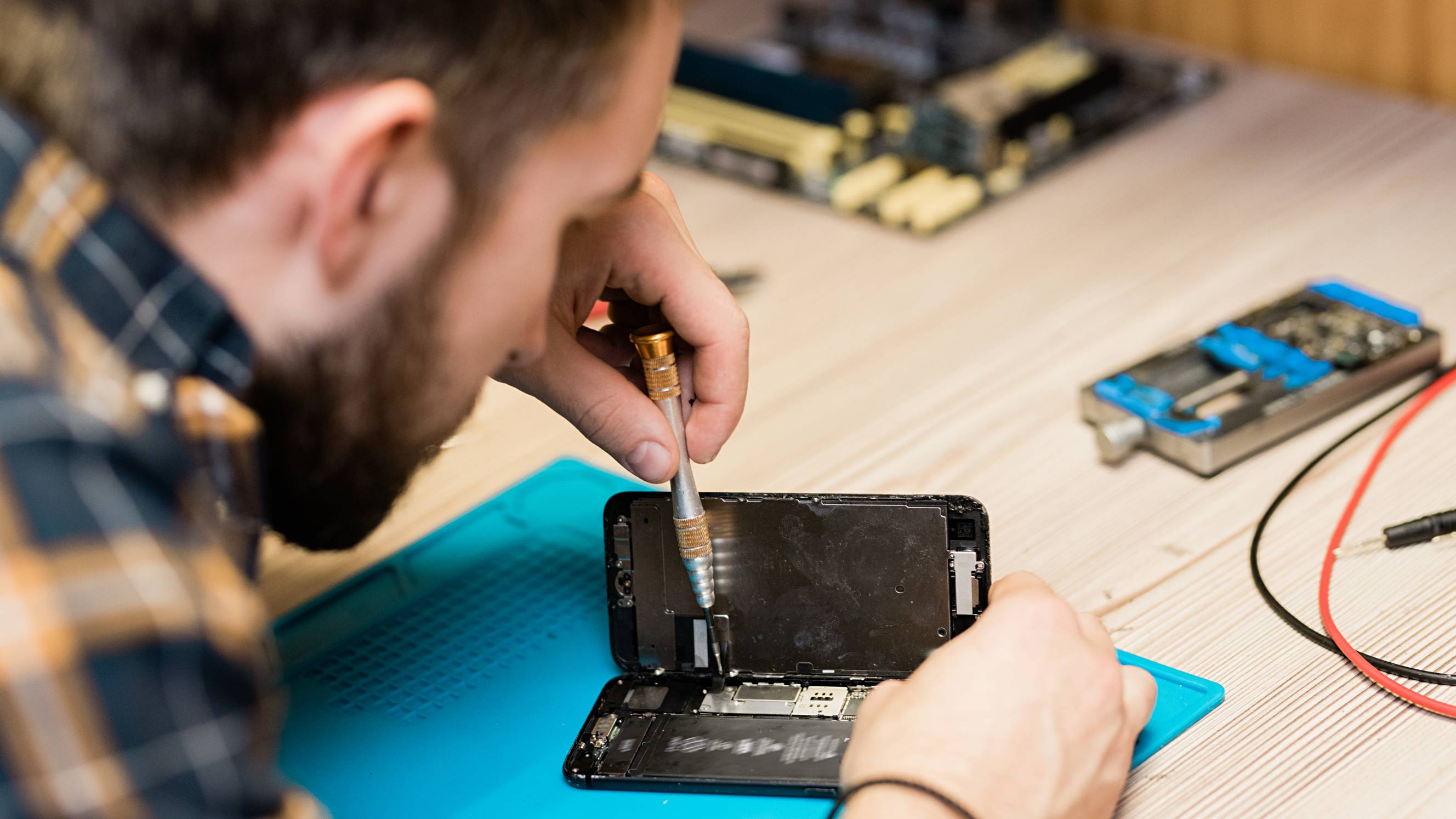



What does a computer repair service include?
Computers are complicated devices, so there’s quite a lot that can go wrong with them. The exact process and what you can expect from your computer repair technician will depend on your problem and the fixes they recommend. Here are some common types of computer repair services and inclusions:
General troubleshooting and support
When you don’t have the time, knowledge, or patience to work out what’s wrong with your device, it makes sense to hire a computer repair service near you. Computer troubleshooting and technical support are usually the first step to fixing any problems you’re having. Your technician will ask a few questions over the phone or on your task to assess the complexity of your issue. Then they’ll visit your home or office or provide virtual support to confirm the issue and recommend a suitable solution.
Upgrades and setup
A large number of computer problems are caused by outdated software. When your operating system updates, sometimes it can cause compatibility issues if your other programs don’t update at the same time. Fortunately, this is often an easy fix for an experienced computer technician. They’ll run a check to make sure your software and drivers are up to date, then they’ll download and install any software, computer upgrades, or even a new Windows installation if needed. With up-to-date programs and operating systems, everything should be compatible, run smoothly, and minimise your vulnerability to security threats.
Hardware repairs
Eventually, most computers end up with some kind of hardware failure, whether it’s the graphics driver, a dead battery, or even just a few keys coming loose on your laptop. Arrange computer repair near you to make it easy to drop your computer in, or get a mobile repair technician to your home. A computer hardware specialist will diagnose issues like why your computer isn’t turning on, video display issues, and battery problems. They may run software tests or open up your laptop or computer case to take a look inside. They might also swap spare hardware parts with your existing parts to confirm which parts are causing your problem. Most technicians will be able to diagnose your problem within a few minutes, but it may take a few days or weeks to repair, depending on the complexity or your hardware repair, and whether or not the parts are available locally.
Antivirus and backup
As part of your repair services, your technician may set up antivirus and repair software, especially if they need to restore your files or get rid of malware on your computer. They’ll help backup computer files with cloud software like Dropbox, Google Drive, and OneDrive, or use an external hard drive. And they’ll likely run virus removal software to check for threats and protect your computer against future viruses. Be prepared to purchase extra software or hardware to sort out your antivirus protection and backups. These are important to minimise the risk of future problems and protect your important files, photos, work, and personal details.
Recent Computer Repairs tasks
Set up home VPN server (GL.iNet Brume 3 / WireGuard) — SE23
£100
Forest Hill, Greater London
13th Nov 2026
One-off, in person at my house in SE23 (full address shared once booked). I'm abroad, so I'll be on a video call with you throughout. The kit (already at the house): - GL.iNet Brume 3 (MT2500) VPN router — brand new, in box - Community Fibre 1 Gbps broadband, already live, with their router/mesh and ONT The job: - Connect the Brume 3 to the Community Fibre router (Ethernet) and power it on - First-time setup of the Brume 3 with me on the video call — I set the admin and Wi-Fi passwords myself - Check whether my line is behind CGNAT or has a public IP (router WAN IP: 100.64–100.127 range = CGNAT) and tell me which - Enable the WireGuard server on the Brume 3 and GL.iNet DDNS - If public IP: set up port forwarding on the Community Fibre router (UDP 51820 to Brume 3) so the VPN is reachable from outside - Enable GoodCloud remote management on the Brume 3 and bind it to my account so I can manage it myself afterwards - Stay on the call while I connect from abroad and confirm my traffic exits via the house IP - Leave everything powered and connected, and send me a photo of the final cabling You must have: - Set up WireGuard or OpenVPN servers on routers before (GL.iNet / OpenWrt experience a plus) - A working understanding of CGNAT, DDNS and port forwarding - Your own laptop to work from Estimated 1–2 hours. A keyholder will let you in and be there for access — the technical work and decisions happen with me on video. One honesty clause: if the line turns out to be behind CGNAT with no public IP, the VPN can't be made reachable from outside on the day — you'd still be paid for the visit and the diagnosis, and we'll have established exactly what's needed next.
Repair laptop screen
£100
Gillbent, Greater Manchester
11th Nov 2026
Broke screen, needs fixing for tomorrow
Set up android tablet
£50
Southwick, West Sussex
10th Nov 2026
Set up a new android tablet for my OAP relative and show her the basics.
set up gaming PC editing software
£50
Moulsham, Essex
9th Nov 2026
We have a gaming pc with editing and creating software but don’t know how to set it up for use
Mac Allister 300E 96 need to repair
£25
Whitton, Greater London
9th Nov 2026
Mac Allister 300E 96 Seems like patrol doesn’t go in carprator It turns on then turn off
Computer update and set up at home
£200
Battersea, Greater London, SW11
9th Nov 2026
(1) Update Android 13 to Android 16 or 17 on a 32" Portable Monitor; (2) Set up home Tunnel VPN using GL iNet Brume 3 and GL-MT 3600BE
My pc needs repairing
£50
Measborough Dike, South Yorkshire
8th Nov 2026
Everytime i turn my pc on it starts up but instantly turns back off and i dont know why or whats up with it. Its like its trying to start but failing
Fix MacBook Air
£50
The Rectory, Lincolnshire
7th Nov 2026
Old MacBook Air Tried to delete all files to Pass on Will no Longer boot up black screen with a lock Do not have the password
Fix my screen, it has failing capacitors causing lines on.
£50
Dalmellington, Ayrshire and Arran
4th Nov 2026
Thermal or Capacitor Issues in the Monitor: Horizontal lines that appear during "cold boots" and slowly fade away as the screen warms up are frequently caused by aging or failing capacitors inside the monitor's power board.
I need someone to figure out what is wrong with ny PC and fix it
£40
Tooting Graveney, Greater London
4th Nov 2026
One of my front fan is currently making a lot of noise even after cleaning it. Furthermore, my audio jack doesn’t work in the sense that my microphone input is just crackles and I think it may be related to the fan as it is the top one.
Fix my desktop pc
£80
Liverpool, Merseyside
3rd Nov 2026
I’ve tried replacing my psu and graphics card for newer ones and now my pc doesn’t turn on when I’ve supposedly replaced the components with all the parts available to me and I’m unsure if I’m missing some cables or assembly issues as I couldn’t use the old psu ones since they’re wired into a motherboard inside
Set up on hive hub
£25
Marple, Greater Manchester
3rd Nov 2026
Have a hive hub mini and need it to be set up to my boiler
Fix the HMDI port on my PS5
£25
Poynders Parade, Greater London
2nd Nov 2026
Something is wrong with the HDMI port I need it looked into and hopefully fixed
Need to set up internet in outer house witb TP link
£60
Kilburn, Greater London, NW6
31st Oct 2026
Hi, I'm looking for help setting up internet in an outer house/outbuilding at my home in NW London (NW6). It's about 10 m from the main house. What I have: - Openreach fibre box in the main house, working fine, with a router/mesh unit connected - TP-Link G.hn 2400 powerline kit (PG2400P, two passthrough adapters) plus a TP-Link G.hn Wi-Fi powerline unit - My builder said the outer house already has a wired socket, but I don't know where it connects back to, or if it's live What I need: - Internet to the outer house, wired and ideally Wi-Fi too - Check if the builder's wired socket connects back to the main house, and connect it up if so - If not, get the powerline adapters working between the two buildings I've tried pairing the adapters myself but couldn't get them to link. Could you give me a fixed price for this, and let me know your earliest availability? Happy to send photos of the cupboard and adapters beforehand. Thanks
PC Upgrade, Cable management, fix screen mount
£70
Brighton And Hove, East Sussex, BN1
31st Oct 2026
I need someone to help me upgrade pc-change SSD, GPU etc Cable management coming out of the desktop going everywhere also fix screen mount (I have a malfunctioning hdmi, we can talk about it but not part of this quote as it might not need repair)
I belive hdmi port needs fixed /cleaned
£100
Blackwood, Dunbartonshire
30th Oct 2026
After months in storage the hdmi won't pic up a singal my old pc did so its something with the pc i cant tell if it just needs fixed or something has come loose
Set up my pc
£20
Gants Hill, Greater London
29th Oct 2026
I purchased a pre built pc but it’s not switching on
Gpu needs repairing
£250
Park Gate, Hampshire
28th Oct 2026
When the gpu is turned on it lights up however the fans don't spin and there is no output to the monitor and it isn't detected in device manager. The history of this card is unknown as it came from a closed down IT repair shop. I can see from the side of the card that the core and memory are present. I don't know if anything else is missing etc so please inspect the images closely.
Home Tech Set Up
£150
Littleport, Cambridgeshire
24th Sep 2026
I’m looking for someone experienced with home technology, Wi-Fi/networking and smart-home equipment to help get several things set up properly in my home. The main jobs are: Check and optimise my Virgin Media broadband/Wi-Fi setup Make sure my TV and Virgin Media equipment are connected and working correctly Sort out my existing Sonos system and make sure everything is connected properly Check and configure my Ring equipment Help with any related app, account or device connections I’m ideally looking for one person who is confident with home technology and troubleshooting, rather than a general handyman. Experience with Virgin Media, Sonos, Ring, smart-home devices, Wi-Fi/networking and TV/AV setup would be particularly useful. I’m happy to discuss the exact work and agree a fair price once you’ve seen what needs doing.


Thanks Waiz - great work
URGENT: Fix broken Ethernet cable
£75
Oatlands, North Yorkshire
3rd Jun 2026
URGENT: Looking for a same-day visit today (Wednesday). Willing to pay a premium rate for a quick 10-minute fix to get my parents' Wi-Fi back online. NB this is a description written using Gemini's help cos I have no idea what I'm talking about. I'm trying to diagnose the problem and hire someone to help from 250 miles away. 🫠 They are super upset about having no WiFi so really appreciate your help. My mum has what looks from her blurry picture (attached) and description like a broken Cat6 Ethernet cable probably running through an internal wall that probably connects the main internet router to a mesh Wi-Fi node. The clear plastic RJ45 clip at the router end has completely sheared off, and the internal colored copper wires are frayed and exposed. This is causing the whole household Wi-Fi to drop out. I think you need to: - Cut off the top 2 inches of the damaged cable end. - Strip the outer jacket back cleanly. - Crimp/terminate a brand-new RJ45 male connector plug onto the wire. - Quickly plug it back into the router and ensure Deco nodes turn green. NB: If I'm wrong and this cable doesn't even go to the Decos, please just look at the setup and help my mum get the Wi-Fi back online anyway. The main goal is getting her internet working! I do know that there's internet going to the house because the (hard wired) smart TV is working. Requirements: You must bring your own standard network toolkit, including a data cable stripper, an RJ45 crimping tool, and a spare RJ45 connector plug (Cat6/Cat6a compatible). This is a very straightforward, 10-minute job for anyone with the right tools. My parents are at the property, but I am organizing and paying for this remotely via the app, so good communication via Airtasker chat is essential. Thank you!


Antony was an absolute lifesaver. I posted an urgent, same-day job to fix a damaged internet cable for my parents. Antony responded quickly, arrived on time and was a total professional. He didn't just fix the wire; he made sure the whole network was working flawlessly. My mum was absolutely singing his praises afterwards. Incredibly polite and efficient — highly recommend!