Find a professional computer repair service in Melbourne
Fill in a short form and get free quotes from PC repair experts in Melbourne
Great rating - 4.2/5 (11114+ reviews)
Get computer repairs near you
- Mobile computer technician in Melbourne
- Computer repairs
- Computer service
- Laptop repairs
- … or anything else
Best rated computer repair technicians near me

Latest Review
"Job completed, excellent work "
Verified Badges

ID Verified

Payment Method Verified

Mobile Verified

LinkedIn Verified

Latest Review
"Very thorough and did an awesome job building our custom pc! Highly recommend!"
Verified Badges
ID Verified
Payment Method Verified
Mobile Verified

Latest Review
"Satnam completed my task with efficiency and competency."
Verified Badges
ID Verified
Mobile Verified

Latest Review
"Jai was reall helpful, very kind and patient. Highly recommended."
Verified Badges
ID Verified
Mobile Verified

Latest Review
"Absolutely brilliant! Kind, patient and got everything sorted within the hour 🙂 Thanks again Ricky!"
Verified Badges
ID Verified
Mobile Verified

Latest Review
"Amazing tech with lot of knowledge "
Verified Badges
ID Verified
Mobile Verified

Latest Review
"Was extremely helpful and high attention to detail"
Verified Badges
ID Verified
Mobile Verified
Latest Review
"Richard was amazing!!! Got the job done super quick and the wifi is now working perfectly. He explained everything and m..."
Verified Badges
ID Verified
Mobile Verified

Recent Computer Repairs reviews in Melbourne

Salman was fantastic in helping me set up my gaming PC! I've made a couple of mistakes when ensembling and Salman was able to pick up on them really quickly. He was very knowledgeable and had the patience to guide and teach me about my computer. Definitely would 100 % recommend.
I need someone to come to my home and fix my computer
$150
Many thx Paul … job well done
Fix my TV and Internet Router wiring
$50
Super quick and very easy to deal with! Amazing!
Apple Mac set up
$200

Satnam is so knowledgeable and super helpful. We highly recommend him and would definitely use him again for all of our Mac issues.
Fixing Macmail account - problem connecting to google
$85
low
$80
median
$100
high
$150

Average reviews for Computer Repairs Services in Melbourne
based on 355 reviews
4.94
What is Airtasker?

Post your task
Tell us what you need, it's FREE to post.
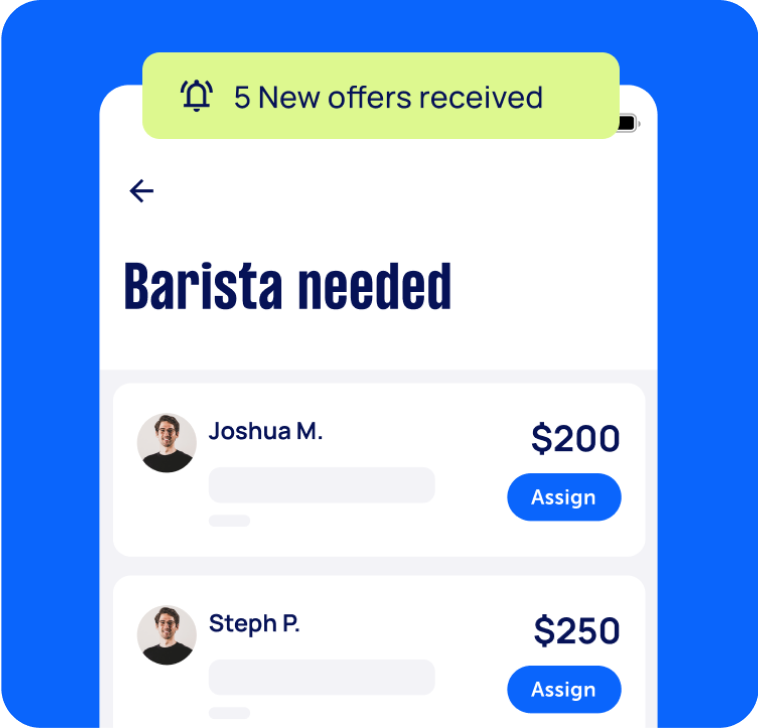
Review offers
Get offers from trusted Taskers and view profiles.
Get it done
Choose the right person for your task and get it done.
444+
Tasks successfully completed
4
Average amount of offers per task
2
mins
Average time to receive offers
Computers & IT Services
Android App Development
App Development
Apple Help
Apple Mac Repairs
Bluetooth Help
Computer Backup Help
Computer Hardware
Computer Support
Computer Training
Computer Upgrades
Email Setup
File Conversion Help
Google Chrome Help
Home Network Setup
iCloud Setup
Internet Help
iOS Development
iPhone Help
iPhone Repair
iPhone Screen Replacement
iPod Repair
IT Support
iTunes Help
Laptop Repair
Linux Help
Mac OS Help
Mac Setup
Macbook Air Repair
Macbook Repairs
Malware Removal
Microsoft Excel Help
Microsoft Help
Microsoft Office Help
Microsoft Onedrive Help
Microsoft Outlook Help
Microsoft Powerpoint Help
Microsoft Windows Help
Microsoft Word Help
Mobile App Development
Network Troubleshooting
Operating System Installation
Organise Computer Folders
Printer Help
Router Modem Setup
Scanner Setup
Screen Repair
Server Upgrading & Support
Skype Help
Software Help
Speed Up Computer
Troubleshooting
Virus Removal
VPN Setup
Wifi Extender Setup
Wifi Help
Windows Help
Windows Installation
Technical Support
Data Recovery
Related Services near me
Related Locations
Top Locations
Sunshine Coast Computer Repairs
Adelaide Computer Repairs
Perth Computer Repairs
Hobart Computer Repairs
Central Coast Computer Repairs
Wollongong Computer Repairs
Newcastle Computer Repairs
Sydney Computer Repairs
Parramatta Computer Repairs
Ballarat Computer Repairs
Geelong Computer Repairs
Canberra Computer Repairs
Brisbane Computer Repairs
Gold Coast Computer Repairs
Suggested reads about Computer Repairs

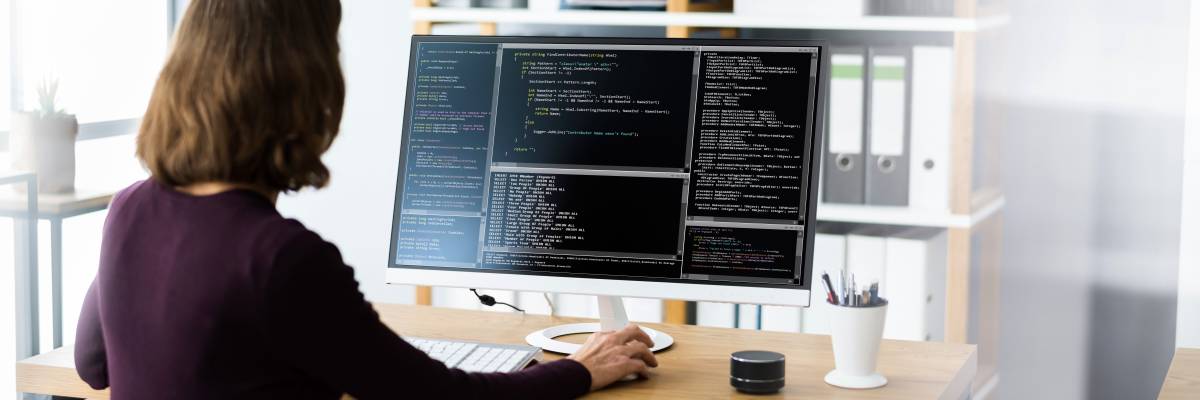

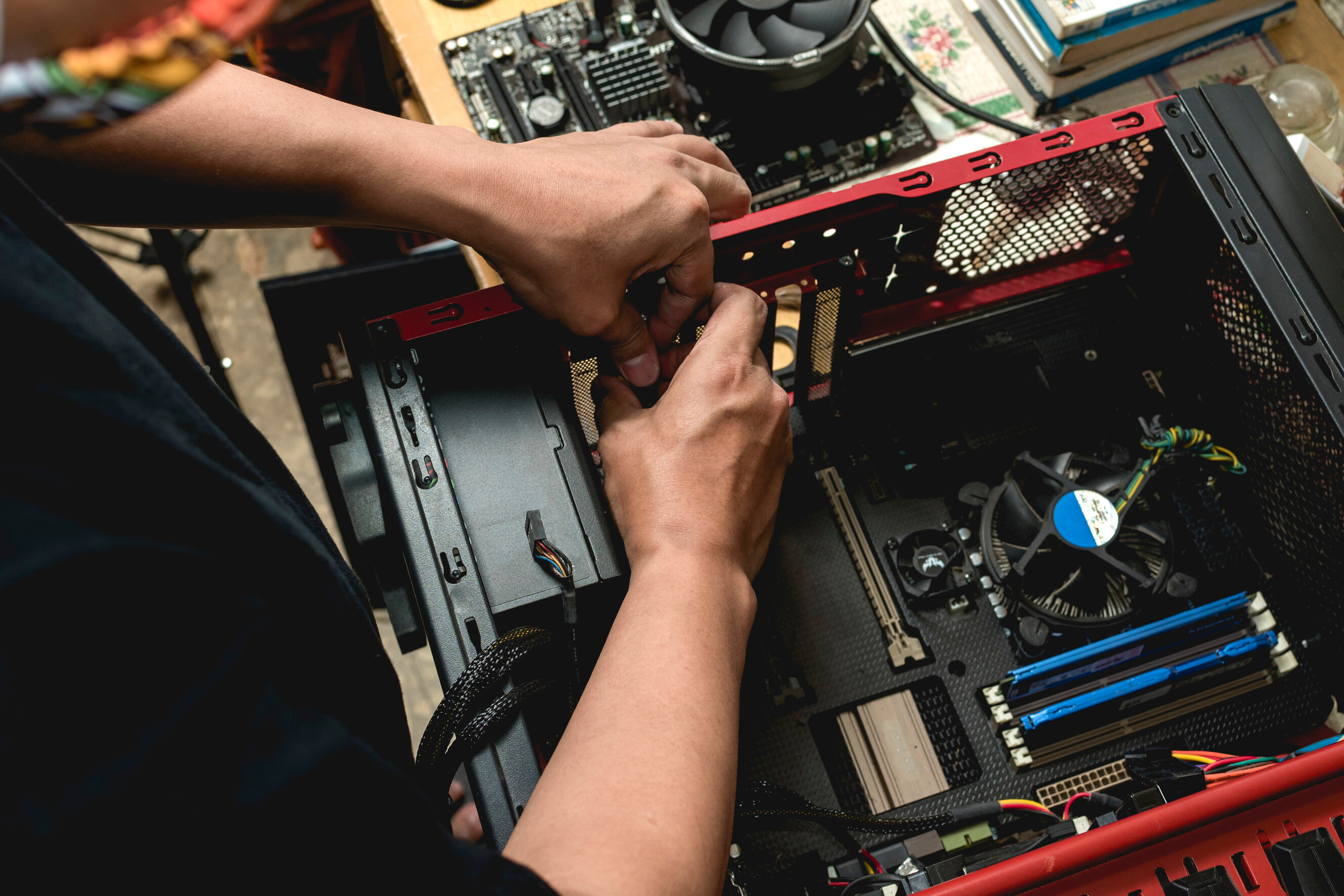
What does a computer repair service include?
Computers are complicated devices, so there’s quite a lot that can go wrong with them. The exact process and what you can expect from your computer repair technician will depend on your problem and the fixes they recommend. Here are some common types of computer repair services and inclusions:
Computer repair service - general troubleshooting and support
When you don’t have the time, knowledge, or patience to work out what’s wrong with your device, it makes sense to hire a computer repair service near you. Computer troubleshooting and technical support are usually the first steps to fixing any problems you’re having. Your PC technician near you will ask a few questions over the phone or on your task to assess the complexity of your issue. Then they’ll visit your home or office or provide virtual computer support to confirm the issue and recommend a suitable solution.
Computer repair service - upgrades and setup
A large number of computer problems are caused by outdated software. When your operating system updates, sometimes it can cause compatibility issues if your other programs don’t update at the same time. Fortunately, this is often an easy fix for PC repairs near you.
You can book a computer upgrade support to run a check and make sure your software and drivers are up to date. They can also download and install any software, computer upgrades, or even a new Windows installation if needed. With up-to-date programs and operating systems, everything should be compatible, run smoothly, and minimise your vulnerability to security threats.
Computer repair service - hardware repairs
Eventually, most computers end up with some kind of hardware failure, whether it’s the graphics driver, a dead battery, or even just a few keys coming loose on your laptop. Arrange computer repairs near you to make it easy to drop your computer in, or get a mobile repair technician to your home. A computer hardware specialist will diagnose issues like why your computer isn’t turning on, video display issues, and battery problems. They may run software tests or open up your laptop or computer case to take a look inside. They might also swap spare hardware parts with your existing parts to confirm which parts are causing your problem. Most computer technicians near you will be able to diagnose your problem within a few minutes, but it may take a few days or weeks to repair, depending on the complexity or your hardware repair, and whether or not the parts are available locally.
Computer repair service - antivirus and backup
As part of your PC repair services, your technician may set up antivirus and repair software, especially if they need to restore your files or get rid of malware on your computer. They’ll help backup computer files with cloud software like Dropbox, Google Drive, and OneDrive, or use an external hard drive. And they’ll likely run virus removal software to check for threats and protect your computer against future viruses. Be prepared to purchase extra software or hardware to sort out your antivirus protection and backups. These are important to minimise the risk of future problems and protect your important files, photos, work, and personal details.
Recent Computer Repairs tasks in Melbourne
Help me reset an old computer and then install windows
$60
Alphington VIC 3078, Australia
21st Oct 2026
Looking for help in wiping and resetting an old laptop and then installing windows ready for my parents
Help me connect my Netcomm router and set up apartment wifi
$60
South Yarra VIC 3141, Australia
20th Oct 2026
I need help setting up and connecting my apartment wifi capabilities!
Today: Buy and set up camera and teleprompter in Abbotsford
$200
Abbotsford VIC 3067, Australia
13th Oct 2026
Location: Collection from South Melbourne, then setup in Abbotsford, 3067 When: Today, Tuesday 13 October Budget: $200 for collection and setup. The teleprompter is paid for separately. EDIT: If you're not experienced with cameras etc and just want to do the collection, put in an offer and I may accept. I need someone experienced with cameras and teleprompters to collect an Elgato Prompter from Scorptec South Melbourne and bring it to my home in Abbotsford to set it up today. I’ll pay the retailer directly online or over the phone. We’ll arrange payment and collection before you head to the shop. The product is the standard Elgato Prompter, model 10WAD9901. I have a Sony ZV-E10 II camera with a Sigma 16mm f/1.4 lens, an Elgato Multi Mount L desk stand, a floor tripod, a Logitech webcam, an LG laptop and a desktop PC. Once you’ve brought the teleprompter over, I’d like you to: - Fit it securely to the camera and position it at eye level while I’m seated. - Install and set up the prompting software. - Adjust the text size and scrolling so the script is comfortable to read. - Record and play back a short test to check the picture, sound and camera angle. - Show me how to load scripts, control scrolling, record videos and find the saved files. - Leave simple instructions so I can use it myself afterwards. Please include what time you can collect it and arrive today, your experience with similar setups and your quote for collection and setup.
Fix HP OfficeJet 7500A | E910A wide format
$30
Melbourne VIC 3000, Australia
13th Oct 2026
says paper jam but no paper jam See what you can do with it but if not I’ll just toss it out technologies becoming more and more affordable so I’m not sure if this stuff is disposable these days or what you can do with it. Apparently it’s a common problem with these printers. I’ve done all the resets. I’ve unplugged it. I’ve done whatever I can check the paper jam checked everything done. All the basic shit.
Computer TECH
$150
South Melbourne VIC 3205, Australia
12th Oct 2026
Desk top "C"dr is full.transfer data and clean up needed. Computer is good and fast etc.


Jai was reall helpful, very kind and patient. Highly recommended.
Help repair my PC
$50
North Melbourne VIC 3051, Australia
10th Oct 2026
Looking for someone to help troubleshoot and repair my PC. It is not connecting to the monitor via displayport or hdmi.

Very efficient and so helpful!
Computer software and understanding
$500
Richmond VIC 3121, Australia
5th Oct 2026
Computer knowledge on software and linux
My laptop needs repair to screen
$50
Moonee Ponds VIC, Australia
3rd Oct 2026
The screen and section around screen need replacing
Set up a programs, microphone and webcam with a desktop computer
$100
Abbotsford VIC 3067, Australia
27th Sep 2026
It's a gaming PC I bought online and had pre-built. I don't have the skill or energy to go through the microphone set-up, install and log in to the programs I use, and set up the webcam.

Very helpful!
Set Up Wi-Fi Access Points & Ethernet Network – 4 Storey House
$150
Albert Park VIC 3206, Australia
24th Sep 2026
Set Up Wi-Fi Access Points Throughout 4-Storey House We have just moved into a 4-storey house and currently have the NBN/Wi-Fi router on the first floor. The Wi-Fi signal doesn’t reach the upper floors properly. The house appears to be smart-wired, with Ethernet/network ports throughout the house and in multiple rooms. I’m looking for someone experienced with home networking/Wi-Fi access points to: * Check how the existing Ethernet/network cabling is connected * Identify where the cables terminate * Connect/configure the existing network ports * Set up Wi-Fi access points or mesh nodes on the upper floors * Configure everything so we have reliable Wi-Fi coverage throughout the house * Advise on any additional equipment needed (switch, access points, etc.) We use Telstra NBN. Ideally looking for someone with experience in networking, Ethernet cabling and Wi-Fi access point installation, rather than just general IT support. Happy to send photos of the existing ports/equipment before the job.


Richard was amazing!!! Got the job done super quick and the wifi is now working perfectly. He explained everything and made sure I understood. Highly recommend his help to anyone!
Set up NBN internet Google Wi-Fi system
$120
Collingwood VIC 3066, Australia
23rd Sep 2026
We’ve just moved into a new property and need someone to get our internet fully set up today. The property has an NBN box, however the existing wall socket/cabling doesn’t match the connection required by the NBN box. We can provide photos beforehand so you can identify what adapter/cable is needed. If an adapter or cable is required, we’re happy to increase the task price to cover the reasonable cost of purchasing it, provided it’s the correct item and gets everything working. We also have a Google Wi-Fi/Nest Wi-Fi pack with 3 units that needs to be connected and configured throughout the property. What we need: Identify the correct connection/adapter needed Connect and set up the NBN Set up and configure our Google Wi-Fi 3-pack Ensure all 3 units are connected and working Make sure we have reliable Wi-Fi throughout the property Troubleshoot anything required to get us online We can send photos of the existing sockets and NBN box before you accept the task. Availability: TODAY — ideally ASAP. Please only apply if you have experience with NBN setups and Google/Nest Wi-Fi systems. Please let us know what you need from us beforehand.


I can’t speak highly enough of Ricky!! He came over to our house to help with internet set up, and he was so helpful and knowledgeable! He stayed in contact afterwards to offer additional support and checked in along the way. Highly recommend. He’s honest, knowledgeable and very kind.
Build my pc
$10
Coburg VIC 3058, Australia
18th Sep 2026
Need to put a pc back together after buying a few new pieces


Super helpful would hire again
Build a computer
$150
North Melbourne VIC 3051, Australia
25th Aug 2026
I need someone knowledgeable building a gaming computer, im gonna buy the parts and you will build it. This is my current build and i wanted to play around the CPU and upgrade my GPU

Job completed!! Must book
Computer technician to diagnose error on computer
$100
Coburg VIC 3058, Australia
4th Aug 2026
Need someone who is very experienced with computers to diagnose why my motherboard is not working. I have taken off the CPU check the pins re-put the cooling paste on and the cooler rebooted. It re-ran the bios to the initial state. I need someone who knows what they’re doing to have a look to see whether I need to buy a new motherboard or not.


So good! So helpful really went above and beyond:)
Computer clean up and set up of apps to be ready for an online course.
$200
South Yarra VIC 3141, Australia
31st Jul 2026
I’m looking for someone who is very tech-savvy to help optimise my MacBook before I begin an upcoming course. I’d like assistance with: • Cleaning up and organising my computer to make it as simple and user-friendly as possible. • Installing any required software and applications. • Setting up any necessary accounts and ensuring everything is logged in and working correctly. • Going through the course requirements to make sure I have everything installed and ready before I start. • Organising folders, shortcuts, and anything else that will make accessing everything quick and efficient. I’m after someone who is patient, knowledgeable, and happy to explain things as we go so I can confidently use everything moving forward. Ideally, this would be done in person, and I’d love someone who enjoys creating simple, streamlined systems. Please let me know if you have experience with MacBooks, software installation, account setup, and creating an organised, easy-to-use workspace.

Shatnam did a fantastic job with my computer. He was extremely competent, knowledgeable and professional, and I felt very confident in his services. I’ll definitely be rebooking him whenever I need help again. Highly recommend!
Fix Internet Setup with MoCA
$150
Brunswick West VIC 3055, Australia
19th Jul 2026
I've recently bought some MoCA adapters to try and get wired internet to one other room. My house has foxtel and some other coax ports all over the house but when I connect the MoCA adapter, they can't find each other (MoCA connection light stays off). I know the adapters are working as they can be connected directly with a coax cable and the light comes on. I believe the problem is to figure out whether the coax cabling/foxtel ports are actually connected throughout the house and how to connect them if they are not. I need someone who may be able to help with solve this issue and get the wiring/internet fixed in the other room. Thank you.


Excellent service and very friendly. Had a difficult task related to coax/moca and he knew exactly what things to try to get it working. Would highly recommend!
Fix my internet in Fitzroy
$150
Fitzroy VIC 3065, Australia
17th Jul 2026
Currently having an issue with internet not connecting. Currently connected to wifi and we checked with nbn and kogan and network is fine. The belong modem always opens on the modem/router login page


Shan was very professional and fixed my internet problem without hesitation. Highly recommend him for your it issues.
Connect my printer and new computer screen
$50
Melbourne VIC 3004, Australia
8th Jul 2026
Need help troubleshooting connection of my printer and also my new computer screen. Screen keeps going to sleep and is not talking to laptop.

Keyavn was excellent. He attended to my needs in a timely manner and fixed the issue with my laptop and printer. Highly recommend.
Install Hard Drive into PC
$100
Collingwood VIC 3066, Australia
6th Jul 2026
I need a hard drive installed into a gaming computer. The hard drive is a iron wolf and I understand that I will just need to be connected to the cables

Faultless - thank you again!
Fix computer at hair salon
$70
Richmond VIC 3121, Australia
22nd Jun 2026
Computer running really slow

Very happy ! Was efficient and fixed our problem.