- Home/
- Costs/
- Computer Repairs/
- Computer Repair Cost Guide
How much does computer repair cost in Australia?
Post to find a price. It's free and only takes a minute.
$80 to $200
$80 - $200
low
$80
median
$129
high
$200

Published on
Key Takeaways
Computer repair costs in Australia can land anywhere from $80 to $200 per task.
Cut down on costs by choosing an independent technician over a major repair shop, or dropping off your device to the workshop instead of requesting an on-site repair.
Prices can vary widely depending on your location and the complexity of the repair, among other factors. Simple fixes can start as low as $10 in Perth, while more complex hardware repair or data recovery can reach upwards of $340 in Canberra.
Most of us can’t get through the day without a functional computer, whether it’s used for work, leisure, or both. As soon as something stops working properly, the top priority is usually to get it fixed ASAP. Still, it pays to know how much computer repairs can cost before you book the service.
There’s a lot that can influence the final computer repair cost: the device model and brand, the specific service you book, and the extent of the damage, among others. This guide breaks down real price ranges based on these factors and more, plus how and where to find a reliable technician to work with.
What are average computer repair prices by city?
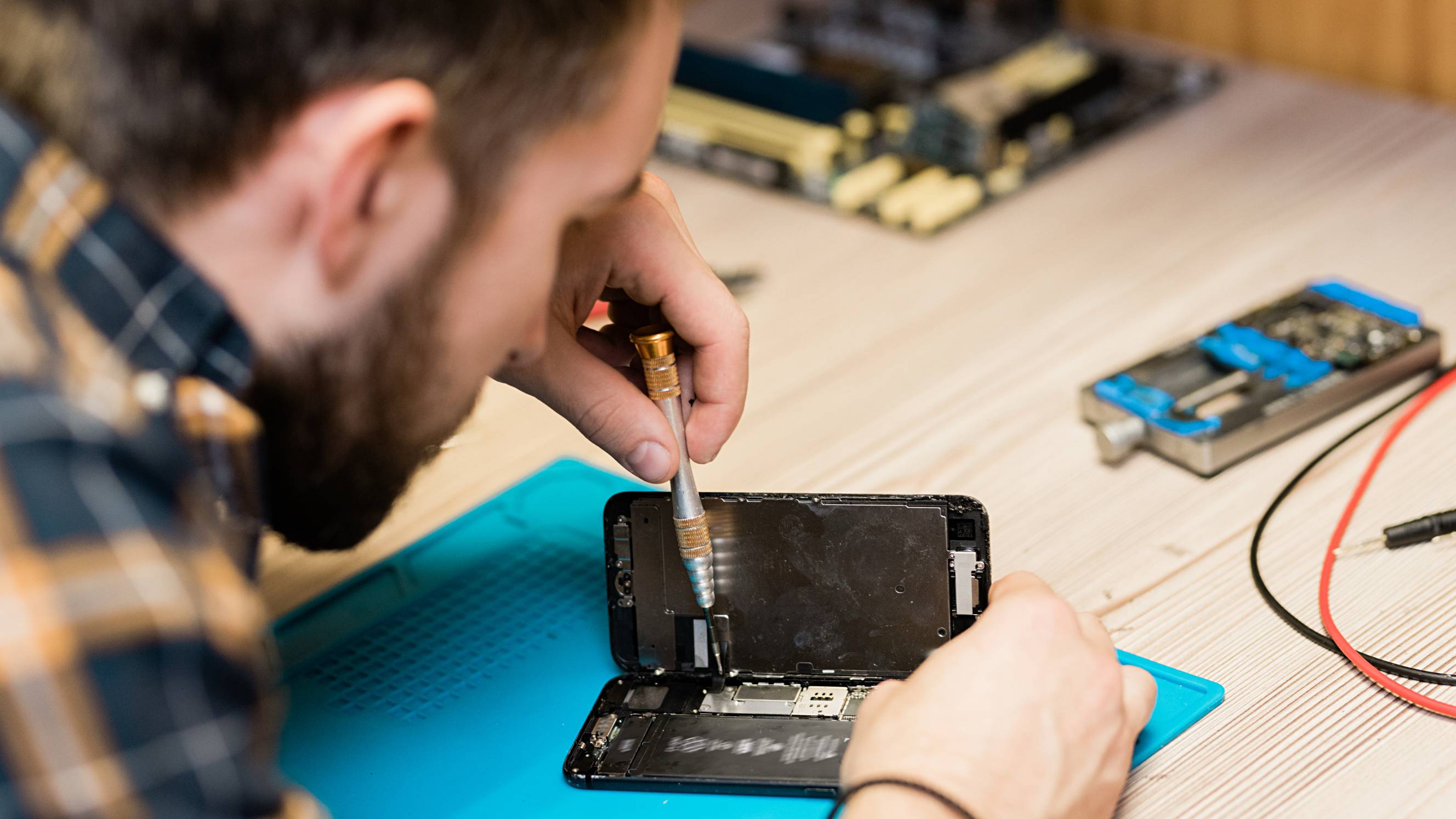
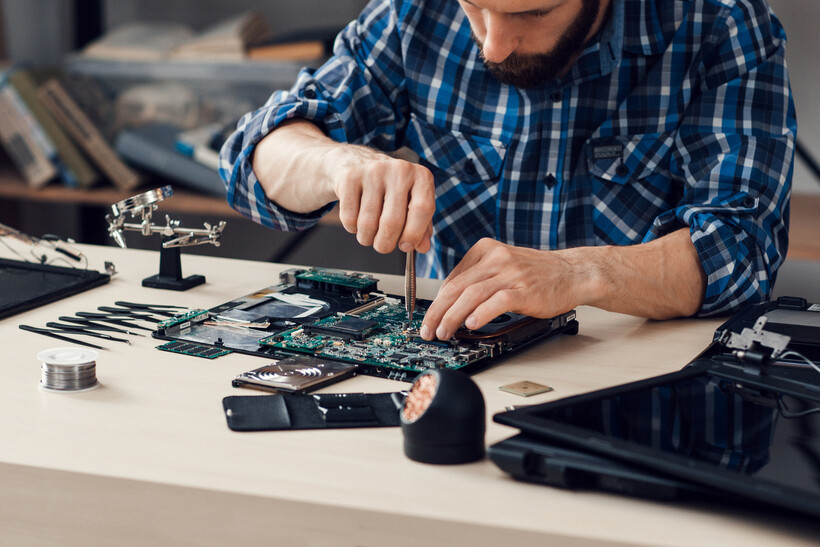 Technician soldering a laptop motherboard (Source: iStock)
Computer repair prices aren’t standardised across every city, mainly due to differences in labour rates, general cost of living, local market conditions, and competition between repair specialists in each area.
Here are the price ranges you can expect to see in major cities, based on computer repair tasks on Airtasker for 2026:
City |
Estimated Cost Range (AUD) |
|---|---|
$35 to $200 |
|
$73 to $243 |
|
$120 to $340 |
|
$70 to $110 |
|
$80 to $200 |
|
$22 to $259 |
|
$10 to $160 |
|
$43 to $280 |
Expect higher computer repair costs in major metropolitan areas and relatively lower rates in some regional areas.
What factors affect computer repair costs?
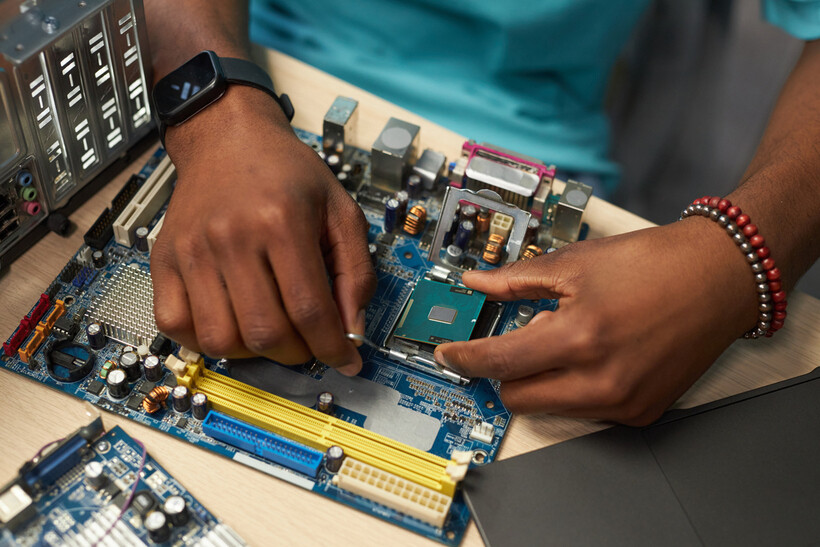 Installing a processor onto a motherboard (Source: iStock)
Location isn’t the only thing that can push your computer repair cost up or down. Here are other factors worth keeping in mind:
Type of repair and complexity
Did you stumble upon stubborn malware? Accidentally lost your files after a format? Broke the screen? The nature and extent of the repair itself have the biggest impact on price.
Here’s how each common type of repair generally compares:
Type of Repair |
Estimated Cost (AUD) |
|---|---|
Virus removal |
$180 to $320 |
Screen replacement |
$200 to $600 |
Hardware repair |
$200 to $400+ |
Data recovery |
$300 to $1,500+ |
Pricing varies here because the effort, expertise, and materials each repair type requires often differ.
For instance, common repairs like malware removal or a quick software fix are generally much more straightforward compared to taking a laptop apart to replace a fried motherboard. This doesn’t mean, however, that computer virus removal can be put off. Malware is the second most common form of cybercrime in Australia, so it should be taken just as seriously.
Diagnosis
Sometimes, your computer may act up without an obvious reason. In these cases, a technician has to run through standard troubleshooting and checks before they can pinpoint the root cause and get started with repairs. Since the full duration can’t be confirmed upfront, many service providers opt to charge computer repair costs per hour for these jobs rather than a flat fee.
If you’re still weighing your options, you can also ask a technician to only diagnose the problem, without carrying out fixes afterwards. Diagnostic fees usually cost a lot less than a visit with actual repair work.
Parts and materials
Computer hardware replacements such as screens, batteries, hard drives, or SSDs (solid-state drives) are usually billed separately from labour. Genuine or brand-specific parts cost more than generic counterparts, and the fee increases even further if your repairer needs to source a rare or discontinued part.
Device type and brand
Desktop PC repair costs less than laptop repairs, even if the nature of the repair is similar, because laptops are more compact and fiddly to work on.
Meanwhile, MacBook repairs typically require Apple-specific parts and specialist tools, as devices are often brand-exclusive. This can push prices much higher than repairs for other brands, for which parts are more widely available and brand-agnostic.
Callout vs drop-off
Having a technician come to your home or office for the repair may be convenient, but it usually commands higher rates compared to simply dropping your device off at a workshop.
If you’re keen to do the latter to cut costs, it’s worth reviewing how to safely transport a PC so it arrives in one piece and you avoid extra repairs.
Urgency or same-day service
You can book computer support for same-day, after-hours, or weekend repair service, depending on the technician’s availability. However, this convenience comes at a premium: same-day repairs typically carry a $50 to $100 surcharge, since the technician will be prioritising your job over others.
If you don’t urgently need the device for the next day or two, consider booking a standard turnaround for lower rates.
Should you repair or replace your computer?
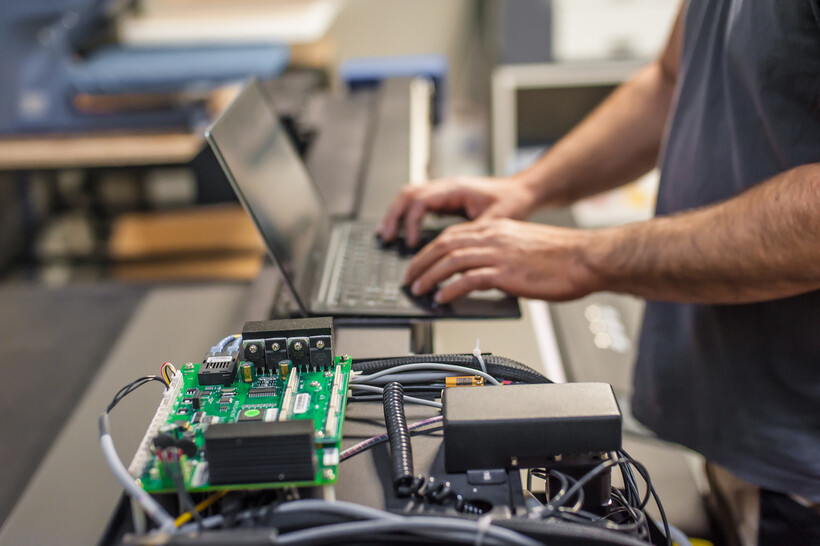 Technician testing hardware beside a laptop (Source: iStock)
Repair isn’t always the most cost-effective option. When the damage is severe and total repair costs approach the price of a new unit, it may be better to invest in a comparable replacement.
It’s also worth considering the device’s age and condition. If it’s well past its expected lifecycle or multiple components are already failing, purchasing a new device may prevent expenses from racking up over time.
Scenario with Cost Comparison Example |
What to Do |
|---|---|
|
Repair cost is under 50% of a comparable new device Ex. $250 to repair a laptop that costs $1,000 to replace = repair is 25% of the replacement cost |
May be worth repairing |
|
Repair cost exceeds 50% of a comparable new device Ex. $700 to repair a laptop that costs $1,200 to replace = repair is 58% of the replacement cost |
Consider replacing |
|
Device is out of warranty and 6+ years old Ex. $500 to repair an old laptop that costs $800 to $1,000 to replace |
Strongly consider replacing |
|
Multiple failing components Ex. $850 to repair multiple parts ($300 for screen replacement + $250 for battery + $300 for charging port) of a laptop that costs $800 to $1,000 to replace |
Strongly consider replacing |
If your computer just needs a slight boost but is otherwise in good shape, a computer upgrade, such as adding RAM, the computer’s short-term memory, or switching out a hard drive for an SSD, can be a cheaper middle ground between a full repair and buying new.
If you do decide to replace your device, make sure to dispose of the old one responsibly. Book a waste collection service or explore the National Television and Computer Recycling Scheme’s industry-funded collection and recycling services for old computers.
How can you save money on computer repairs?
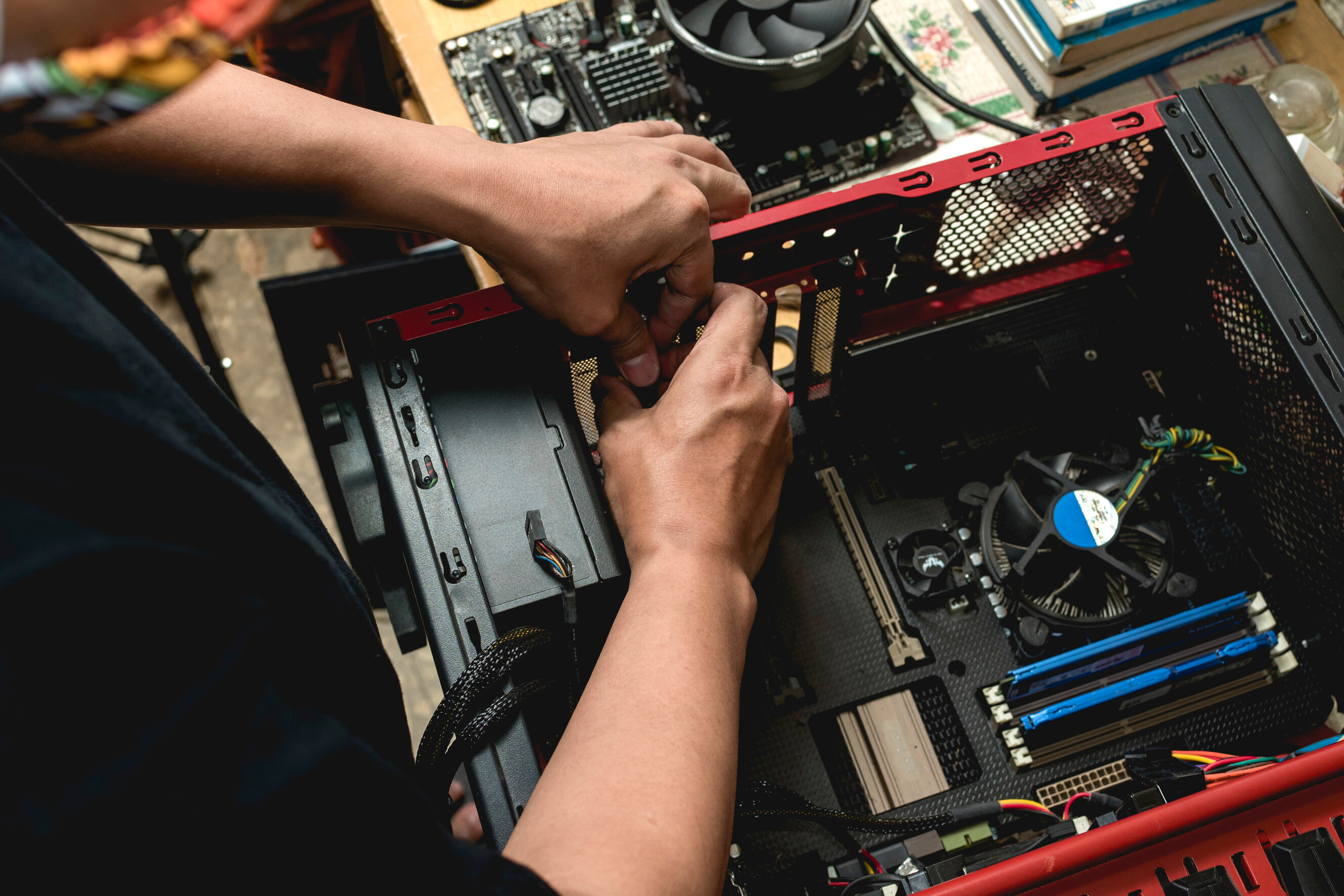
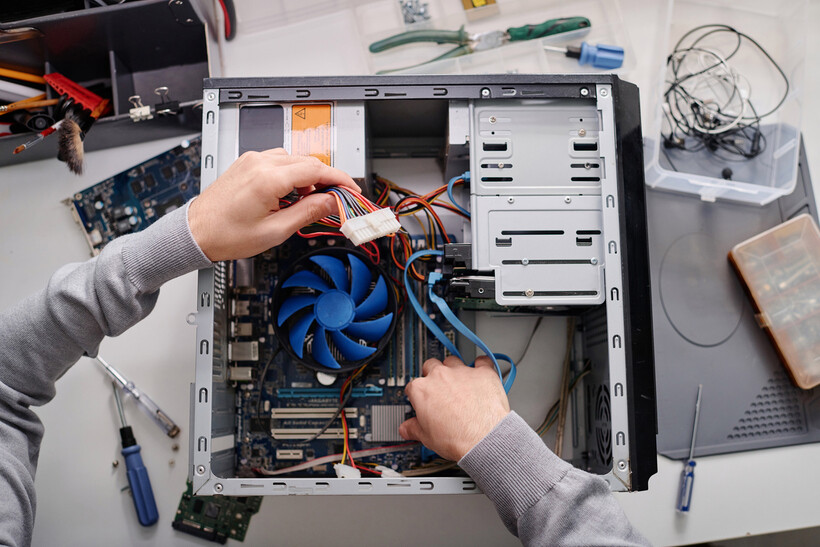 Connecting cables inside a desktop PC (Source: iStock)
Computer repairs may be a necessary investment, but there are simple ways to help lower the final price you pay.
Back up your data before bringing in your device. This protects your files if something goes wrong during the repair. Data recovery is among the most costly repair scenarios, so doing this saves you the trouble and the expense.
Get at least three quotes and compare your options. Computer repair costs vary significantly between service providers, even if they’re quoting for the same job.
Try basic troubleshooting first. Some issues can be resolved without professional help at all. Look into restarting your device, updating the software, or running a malware scan.
Choose an independent technician over a major repair shop. Taskers, for instance, often offer cheaper computer repair services without the overheads that big brands charge.
Bundle multiple issues into a single visit. If your computer has more than one problem, ask about having them packaged as one affordable computer repair service instead of booking separate visits.
What should you look for in a computer repair professional?
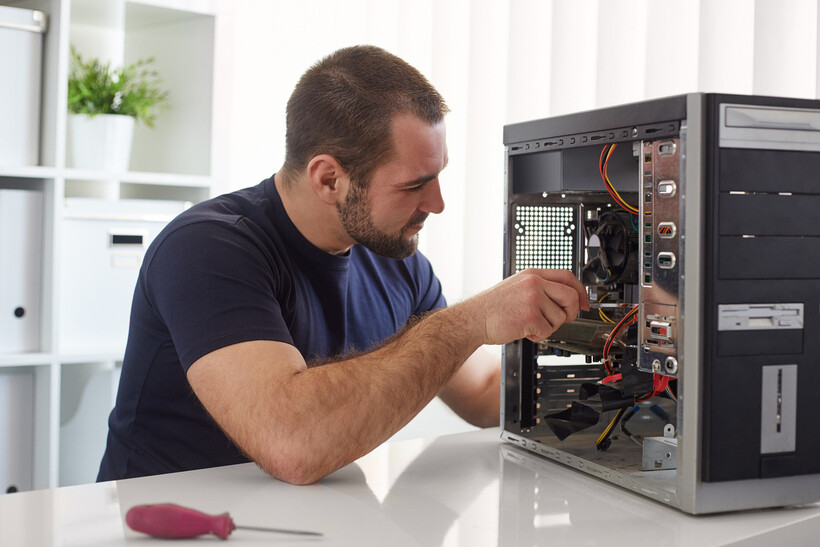 Technician repairing a desktop computer at home (Source: iStock)
Not every technician who sends you an offer will be the right fit for the job. Here are a few things to check before hiring.
Experience and qualifications
Review the technician’s experience in computer repair, preferably with your specific device. This is useful for fixes that require brand-exclusive parts, such as when repairing a Mac computer.
The best computer repairs often have strong reviews from past customers, so request testimonials if possible or hire via a platform that readily shows past client feedback.
Questions to ask before hiring
Are the parts you use for repairs new, refurbished, or third-party?
Where do you source replacement parts?
How long does a computer repair take?
Is my data safe throughout the process?
Can you provide me with a written quote before starting work?
Book a computer repair technician through Airtasker
If your device is several years old with multiple components already giving out, or if the full computer repair cost is creeping too close to half the price of a new unit, it may make better financial sense to invest in a new unit. That said, getting a computer fixed is, more often than not, still far cheaper than replacing it.
If you think your device is worth repairing, whether you require common laptop repairs or something you can’t pinpoint on your own, you can easily connect with computer repair technicians through Airtasker.
By booking a service on Airtasker, you’re not tied to the first quote you receive. Compare different offers that come your way, along with each Tasker’s profile, rating, and reviews they received from past customers, so you can hire someone you’re confident will do a neat job.
FAQs on computer repair costs
It depends on the repairs needed and the cost to fix them. If they’re minor and cost well below half the price of a new device, then it’s usually still worth doing. But if multiple parts of the device are already giving out from wear or age, the total computer repair cost could climb significantly, in which case replacing the device may be the more sensible option.
Based on Airtasker data from 2026, the average computer repair cost typically lands around $129, though the final price still depends on the repair issue, its complexity, the device's brand, and your location.
The average base pay for a computer repair technician in Australia is about $24.57 an hour. Most earn between $21.45 and $34.52 per hour, depending on their experience and credentials. Note that these numbers reflect employee wages, not fees from an independent repairer or business.
Find computer repair technicians, fast
Post a task