
Find a reliable computer and IT professional in Richmond
Fill in a short form and get free quotes for computer and IT services in Richmond
Great rating - 4/5 (13330+ reviews)
When you need any work done on your computer
- Computer repairs
- Laptop repairs
- Macbook repairs
- PC upgrades
- Internet technicians
- … or anything else
Best rated Computer Experts near me

Latest Review
"He was amazing and very quick when putting the PC together, and he was such a pleasure to talk to."
Verified Badges

ID Verified

Mobile Verified

Latest Review
"Cheap but the work is very quality"
Verified Badges
ID Verified
Mobile Verified

Latest Review
"Good expertise. Very courteous."
Verified Badges
ID Verified
Mobile Verified

Latest Review
"Excellent service and a really friendly and nice guy !"
Verified Badges
ID Verified
Mobile Verified

Latest Review
"Helpful and good communication throughout."
Verified Badges
ID Verified
Mobile Verified

Latest Review
"Highly recommend, Prakash was excellent at his work and very efficient! Last Tasker had damaged our house and due to poo..."
Verified Badges
ID Verified
Mobile Verified

Latest Review
"Very professional and considerate. He totally saved my life today! "
Verified Badges
ID Verified
Mobile Verified

Recent Computers & IT reviews in Richmond

Was a bit late due to train delays but communicated very well throughout
V1box set up. monitor, motor and keyboard
£30
The job was complex, Amit did a top job in fault finding and fixing my network problems. Which involved replacing several connectors and a lot of testing. If you need someone to sort out your IT problems he’s your man.
Cat6 RJ45 re-termination, Richmond
£100
I would call on Weiz again. He completed all the tasks and explained clearly what he was doing and also made notes for me as to what he had done. Wonderful, thanks, Frances
I need help with technology. Apple Mac and i phone.
£80
Waiz did a great job. Turned up late at night because I wanted it done same day. . Set up two monitors and a pc. Was a gentleman throughout
Set up a new pc and two monitors
£250
What's the average cost of a computer expert in Richmond
£70 - £100
low
£70
median
£85
high
£100

Average reviews for Computers & IT Services in Richmond
based on 5 reviews
4.4
What is Airtasker?

Post your task
Tell us what you need, it's FREE to post.

Review offers
Get offers from trusted Taskers and view profiles.

Get it done
Choose the right person for your task and get it done.
6+
Tasks successfully completed
3
Average amount of offers per task
7
mins
Average time to receive offers
Related Services near me
Related Locations
West London
Islington
Camberwell
Clapham
Muswell Hill
Brixton
London
East Ham
Greenwich
Stoke Newington
Croydon
Tooting
Battersea
Leytonstone
Canary Wharf
Kensington
Hammersmith
Bermondsey
Kilburn
Stratford
Notting Hill
Tottenham
Southwark
Balham
Fulham
Paddington
East London
Whitechapel
Soho
North London
West Hampstead
Wapping
Central London
Hampshire
Putney
Westminster
Shoreditch
Chiswick
Earlsfield
Lambeth
Camden
Shepherds Bush
Top Locations
Surrey Computers & IT
Birmingham Computers & IT
London Computers & IT
Brixton Computers & IT
Clapham Computers & IT
Croydon Computers & IT
Kensington Computers & IT
Islington Computers & IT
Westminster Computers & IT
East London Computers & IT
North London Computers & IT
Central London Computers & IT
West London Computers & IT
South London Computers & IT
Suggested reads about Computers & IT

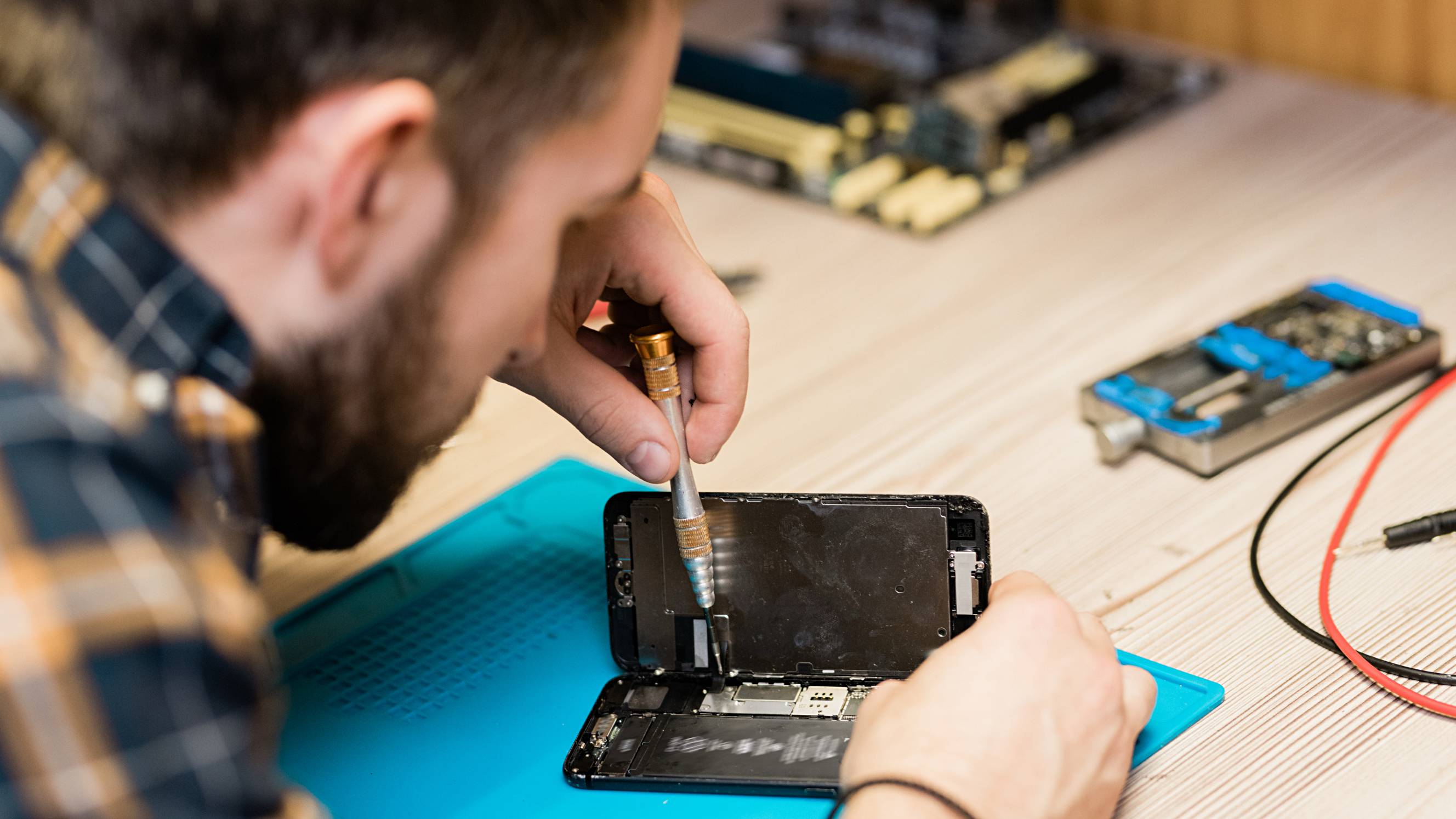


What does a computer service include?
Computer & network setup
Book an IT service near you to come to your home or office and set up your personal computer, home network, or more complicated workplace IT environment. Ask your computer technician to help with hardware setup, which covers tasks like computer and Mac setup, printer help, and scanner setup. They can also work to install and upgrade software. Knowing that your Windows install or server upgrades have been carried out by an experienced computer technician ensures your systems run smoothly.
Computer repair
Got a computer problem like a slow machine or your computer not turning on? Computer repair technicians are experienced at fixing common complaints like these. Your computer technician will start by diagnosing the problem. Once they know what they’re dealing with, they’ll fix it right away or advise you on next steps, whether you need new parts, updated software, or a more intensive service off-site. Depending on the issue, your technician may be able to offer technical support over the phone or Skype so you can get your computer fixed sooner.
Computer training & troubleshooting
Confused by computers? You’re not alone. If you want to improve your Microsoft, Google, Skype, or email skills, book a computer training session. You’ll find plenty of friendly, patient and helpful computer technicians nearby. Let them know what programmes or internet skills you want to learn and they’ll walk you through the steps or troubleshoot the challenges you’re facing. Arrange a one-to-one lesson or book a small-class IT session for your friends and colleagues.
Internet & wifi help
When your internet and wifi stop working, your world can come to a standstill. Your computer technician will whip your connections into line so it’s business as usual. Internet help can range from connecting your devices and troubleshooting connection issues to improving internet speeds and wifi extender setup.
Cybersecurity & antivirus
Keep your computer and IT environment safe and secure from hackers and viruses. Book a computer technician to help with firewall setup and installing antivirus software. If you get hit with malware or a virus, your technician will take virus removal steps, fix any damage caused, and ensure your device is protected from future attacks.
Recent Computers & IT tasks in Richmond
Build computer
£50
Richmond, Greater London, TW10
7th Sep 2026
I have a number of components already in a computer that I wish to remove (the graphics card and processor) and I wish to transfer to a new computer chassis along with a new PSU, motherboard and SSD
Our Printers are Disconnecting from laptops
£150
Richmond, Greater London, TW10
25th Aug 2026
We need an experienced **IT/printer technician** to attend our Richmond office and fix issues with printers across several **Lenovo V14 G5 Windows laptops**. #Equipment * Brother MFC-L2800DW * Zebra ZD230 * Zebra ZD421D * Lenovo V14 G5 laptops #Issues *Zebra printers * Barcodes print but no longer scan correctly * Printers previously worked * Label/page-size settings seem to reset, especially after using the Brother printer * Some laptops cannot print labels reliably * Drivers, calibration, DPI/label settings and barcode output need checking *Brother printer * Not all laptops can connect * It keeps disconnecting from the network * We have sometimes had to print via mobile instead # Required * Diagnose and fix driver/network/settings issues * Configure all three printers on relevant laptops * Calibrate/test both Zebra printers * Confirm barcodes print and scan correctly * Stabilise Brother network printing * Ensure switching printers does not affect Zebra label settings * Leave the setup working reliably for all users Please only respond if you have experience with *Zebra thermal printers, Windows printer drivers and network printers. Please include your relevant experience and availability to attend in Richmond.
Run hidden Cat6 cable internally from ground floor to second floor
£150
Twickenham, Greater London, TW1
16th Jun 2026
Need one Cat6 Ethernet cable (ideally two) run from my ground-floor office up to the second floor of a 3-storey terraced house in Twickenham (TW1), for a Wi-Fi access point. INTERNAL ROUTE ONLY — through internal voids, risers, cupboards or under floors. No external runs up the outside, and no visible trunking inside. Cable terminated to a neat wall faceplate at both ends. Please quote with materials included or tell me if I should supply, give a rough time on site (and flag if floorboards need lifting/making good), and say whether you can test it at 2.5Gbps. A short site visit to assess the voids before quoting is probably wise. Can send photos and discuss routing first. Date flexible.
Cat6 RJ45 re-termination, Richmond
£100
Richmond, Greater London, TW10
12th May 2026
Need a networking installer to re-terminate 4 RJ45 connectors on Cat6 structured cabling in a flat. Two of three wall-mounted access points are linking at 100 Mbps instead of 1 Gbps. Cable tester confirms the cables themselves are fine — termination fault at both ends of two runs. Job: re-terminate 4 ends (both ends of 2 cables), test each run, confirm gigabit negotiation in Omada controller.


The job was complex, Amit did a top job in fault finding and fixing my network problems. Which involved replacing several connectors and a lot of testing. If you need someone to sort out your IT problems he’s your man.
Set up a new pc and two monitors
£250
Richmond, Greater London, TW10
11th May 2026
I have a new pc, dual monitor arm, camera, and monitors. I need help setting it all up

Waiz did a great job. Turned up late at night because I wanted it done same day. . Set up two monitors and a pc. Was a gentleman throughout
Cpu fitted
£70
Richmond, Greater London, TW10
19th Apr 2026
I need my 3600x on my gigabyte h20m mb removed and a 5700x fitted
I have a gaming console that needs to be set up.
£30
Petersham, Greater London
23rd Mar 2026
I have a gaming console that needs to be set up. ive tried turning it on and it's not working
V1box set up. monitor, motor and keyboard
£30
Richmond, Greater London, TW10
6th Mar 2026
I've got a vibox gaming system that I need set up.

Was a bit late due to train delays but communicated very well throughout
I need help with technology. Apple Mac and i phone.
£80
Richmond, Greater London, TW10
26th Jan 2026
I need some instruction. And 'how to' information. Can't be done online as I learn by seeing and doing. Please contact me if you're very knowledgeable about Apple Mac and apple i phone and are very patient.
I would call on Weiz again. He completed all the tasks and explained clearly what he was doing and also made notes for me as to what he had done. Wonderful, thanks, Frances
Check my computer for malware and help with website
£100
Twickenham, Greater London, TW1
18th Aug 2025
Concerned someone tricked their way into my computer. Also having trouble with my website hosts and need some clarity.

Communication was stilted at times but keen and works all hours. All good.
Firmware Update for Car HUD unit
£70
St Margarets, Greater London
19th Mar 2025
I’ve been sent a link from Xtrons, the manufacturer of my car’s head up display, that need to be downloaded to USB-c and unzipped so the usb can be plugged into the Xtrons unit. I need someone to download & unzip these files as per the instructions below: Instructions are below To update your Xtrons HUD with the firmware, follow these steps: Download the Firmware: Use the link provided to download the firmware update files. These are often compressed in a .zip or .rar format. Extract the Files: Use software like WinRAR or 7-Zip to extract the files. Make sure you extract them to a folder on your computer. Prepare the USB Drive: Format your USB drive to the FAT32 file system (this is crucial for compatibility). Copy the extracted firmware files to the root directory of the USB drive (not inside any folder). Plug the USB into the Xtrons Unit: Insert the USB drive into the appropriate port on your Xtrons HUD. The system should automatically detect the update files and prompt you to proceed. If it doesn’t, double-check that the files are in the correct location on the USB. Follow On-Screen Instructions: Confirm the update and let the system complete the process. Avoid turning off the device or removing the USB during the update. Restart the System: Once the update is complete, restart your Xtrons HUD to ensure the new firmware is applied. If you encounter any issues, it’s a good idea to consult the Xtrons support page or their firmware update guide for detailed instructions.
Having problems with home automation and Wi fi connections of devices
£1,000
St Margarets, Greater London
29th Oct 2023
I have recently moved into a refurbished property and am having problems with home automation and wi fi connections. I am also having problems with mobile phone connections. I would like someone to survey the set up and recommend necessary changes. - Due date: Flexible
More ram on my computer its very slow
£50
Richmond, Greater London, TW10
12th Apr 2023
need to have more memory - Due date: Flexible
Printer set up
£25
Richmond, Greater London, TW10
13th Dec 2022
Printer is offline and despite several attemots to resolve this i have been unsuccessful - Due date: Flexible