Find a professional computer repair service in Coventry
Fill in a short form and get free quotes from PC repair experts in Coventry
Great rating - 4/5 (13330+ reviews)
Get computer repairs near you
- Mobile computer technician in Coventry
- Computer repairs
- Computer service
- Laptop repairs
- … or anything else
Recent Computer Repairs tasks in Coventry
Ps portal repair
£30
Gosford Green, West Midlands
26th Jul 2026
The portal right side analog stick is comes out
I want to fix my printer and lan in my restaurant willsome one help
£40
Gosford Green, West Midlands
11th Jun 2026
I need some one who can fix lan to printer for our restaurant
Pc repaire
£50
Stoke Heath, West Midlands
6th Apr 2026
Hi, I have a PC that’s nearly brand new and has only been used a couple of times. Recently, it was having issues powering on and showing display, so I replaced the power supply, which did allow it to work temporarily. However, the problems have returned: the PC powers on with lights, but nothing displays, and the motherboard lights seem to flicker between the top and second-top indicators. I’m aware the system is currently missing two RAM sticks, and I’m happy to source the correct ones if needed. I’d appreciate it if you could diagnose what might be causing the issue, whether it’s related to the motherboard, RAM, power supply, or another component. Ideally, I’d like to have it checked and fixed as soon as possible, preferably the same day if feasible. Please let me know if you can help.
What is Airtasker?

Post your task
Tell us what you need, it's FREE to post.

Review offers
Get offers from trusted Taskers and view profiles.

Get it done
Choose the right person for your task and get it done.
Suggested reads about Computer Repairs



What does a computer repair service include?
Computers are complicated devices, so there’s quite a lot that can go wrong with them. The exact process and what you can expect from your computer repair technician will depend on your problem and the fixes they recommend. Here are some common types of computer repair services and inclusions:
General troubleshooting and support
When you don’t have the time, knowledge, or patience to work out what’s wrong with your device, it makes sense to hire a computer repair service near you. Computer troubleshooting and technical support are usually the first step to fixing any problems you’re having. Your technician will ask a few questions over the phone or on your task to assess the complexity of your issue. Then they’ll visit your home or office or provide virtual support to confirm the issue and recommend a suitable solution.
Upgrades and setup
A large number of computer problems are caused by outdated software. When your operating system updates, sometimes it can cause compatibility issues if your other programs don’t update at the same time. Fortunately, this is often an easy fix for an experienced computer technician. They’ll run a check to make sure your software and drivers are up to date, then they’ll download and install any software, computer upgrades, or even a new Windows installation if needed. With up-to-date programs and operating systems, everything should be compatible, run smoothly, and minimise your vulnerability to security threats.
Hardware repairs
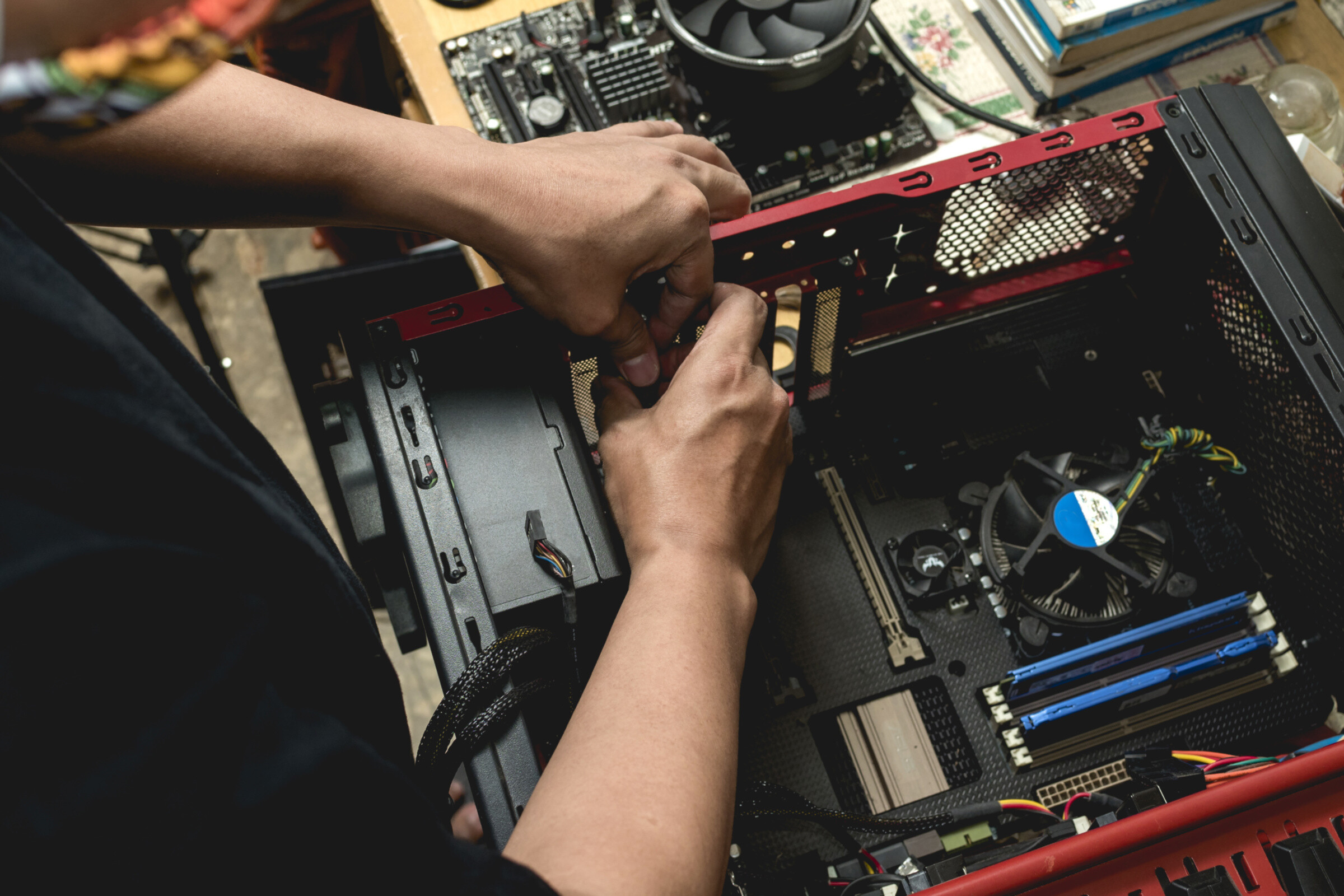
Eventually, most computers end up with some kind of hardware failure, whether it’s the graphics driver, a dead battery, or even just a few keys coming loose on your laptop. Arrange computer repair near you to make it easy to drop your computer in, or get a mobile repair technician to your home. A computer hardware specialist will diagnose issues like why your computer isn’t turning on, video display issues, and battery problems. They may run software tests or open up your laptop or computer case to take a look inside. They might also swap spare hardware parts with your existing parts to confirm which parts are causing your problem. Most technicians will be able to diagnose your problem within a few minutes, but it may take a few days or weeks to repair, depending on the complexity or your hardware repair, and whether or not the parts are available locally.
Antivirus and backup
As part of your repair services, your technician may set up antivirus and repair software, especially if they need to restore your files or get rid of malware on your computer. They’ll help backup computer files with cloud software like Dropbox, Google Drive, and OneDrive, or use an external hard drive. And they’ll likely run virus removal software to check for threats and protect your computer against future viruses. Be prepared to purchase extra software or hardware to sort out your antivirus protection and backups. These are important to minimise the risk of future problems and protect your important files, photos, work, and personal details.
Recent Computer Repairs tasks in Coventry
Pc repair
£100
Whoberley, West Midlands
27th Mar 2026
Need pc reset and rebooted and advanced
Help fix my pc
£50
Brinklow, Warwickshire
17th Nov 2025
CPU, BOOT and VGA light appearing on motherboard in my pc when it randomly restarts itself. Once the PC restarts itself the lights disappear. My PC has started to do this more often now and doesn’t stay on for long.
Gaming computer repair
£150
Exhall, Warwickshire
12th Aug 2025
my girlfriend knocked over half a cup of water straight through the top of my pc causing it to freak out and turn off. We dried it out best with a cloth (it's all we had)finally took it to a tech shop and they fixed for £35 saying "you had a faulty power switch" and then it started booting again. The day I got it back I played valorant and watched some YouTube completely fine on it no issue. Must have been a good 6 hours I was on it. I go to bed and tune my pc off. The next day. I go to turn it on. (Both monitors show "no signal") so I power cycle. Do it again. "No signal" ok this is weird I was thinking. Fast forward to now about 2 weeks after getting it "fixed" my pc will randomly turn off my displays. "No signal" again. I will get kicked from any game I'm playing because it says I was disconnected. Every open app will close. But yet my pc remains on. I cannot get my pc to stay on consistently. It's very hit or miss. Since getting it fixed it's stayed on 2 times for 6+ hours. And it remains on fine if I don't turn it off (I cannot keep it constantly running though, I need to turn it off) but sometimes I get lucky 99% of the time I don't. It's took me 3 days of cold booting. Power cycling. A lot of health checks myself. Command prompts everything you can think of and it still doesn't work, now I've searched all the issue because one of them was one of my monitors showing a pink screen the other being pure static and black bars. I also have an issue where my fans slow and then speed up and then it does the whole disconnect thing. I just want to mention I've done gpu checks and they all come back saying it is working fine. But yet it clearly doesn't. It's on right now as I right this but I don't have much hope and expect it to turn off shortly. I don't know if it is my graphics card. Or a faulty psu but my graphic card fans spin yet when I open my gpu-z it says the fans are spinning "0rpm" but I can literally see them spinning.
Treadmill fixing
£5
Bishopgate Green, West Midlands
28th Nov 2024
Hi there I need a my karrimor treadmill repair it has a power but when I’m on it it is not moving to speed on high speed still running slow Thanks
TV repair
£200
Church End, West Midlands
11th Jun 2024
When tv warms up a black cloud streams on to screan
Pc repair
£150
Tile Hill, West Midlands
10th Jul 2023
i need help fixing my pc as it as it is stuck on a black screen. - Due date: Flexible