
Find a reliable computer and IT professional in Outer East Melbourne
Fill in a short form and get free quotes for computer and IT services in Outer East Melbourne
Great rating - 4.2/5 (11114+ reviews)
When you need any work done on your computer
- Computer repairs
- Laptop repairs
- Macbook repairs
- PC upgrades
- Internet technicians
- … or anything else
Best rated computer technicians near me

Latest Review
"Job completed, excellent work "
Verified Badges

ID Verified

Payment Method Verified

Mobile Verified

LinkedIn Verified

Latest Review
"Satnam completed my task with efficiency and competency."
Verified Badges
ID Verified
Mobile Verified

Latest Review
"Quick reply and good install "
Verified Badges
ID Verified
Mobile Verified

Latest Review
"Really detailed & helpful Went thru the computer music software & explained everything thoroughly so I understood - tha..."
Verified Badges
ID Verified
Mobile Verified

Latest Review
"Excellent jobs and easy to communicate "
Verified Badges

Police Check
ID Verified
Mobile Verified

Latest Review
"Absolutely brilliant! Kind, patient and got everything sorted within the hour 🙂 Thanks again Ricky!"
Verified Badges
ID Verified
Mobile Verified

Latest Review
"Was extremely helpful and high attention to detail"
Verified Badges
ID Verified
Mobile Verified

Latest Review
"very good worker to work with"
Verified Badges
ID Verified
Mobile Verified
Recent Computers & IT reviews in Outer East Melbourne

Reliable excellent service highly recommended ☀️☀️☀️☀️☀️
Connect ADSL to internet VX420-G2h modem
$100

Salman was great to work with. Patient, professional and a clear communicator. He got the task done efficiently and answered questions along the way. Super helpful 😊
All Contacts Synced in Consistent CSV Format
$250

On time and efficient
Laptop repair required urgent
$100
Con was fantastic in moving our existing FTTP to another location in the house.
Relocate FTTP nbn and UPS to next room
$250
perfect service down the the last detail, even helped put everything back together which was very considerate. couldnt have picked a better person 😍😍
Pc system repair and possible hardware diagnosis
$150
Salman was polite professional and assisted me with my problems in a friendly manner. I am very happy with the service he provided and would readily recommend him to others.
Help with my email and internet
$50
What's the average cost of a computer technician in Outer East Melbourne
$73 - $160
low
$73
median
$100
high
$160

Average reviews for Computers & IT Services in Outer East Melbourne
based on 224 reviews
4.95
What is Airtasker?

Post your task
Tell us what you need, it's FREE to post.
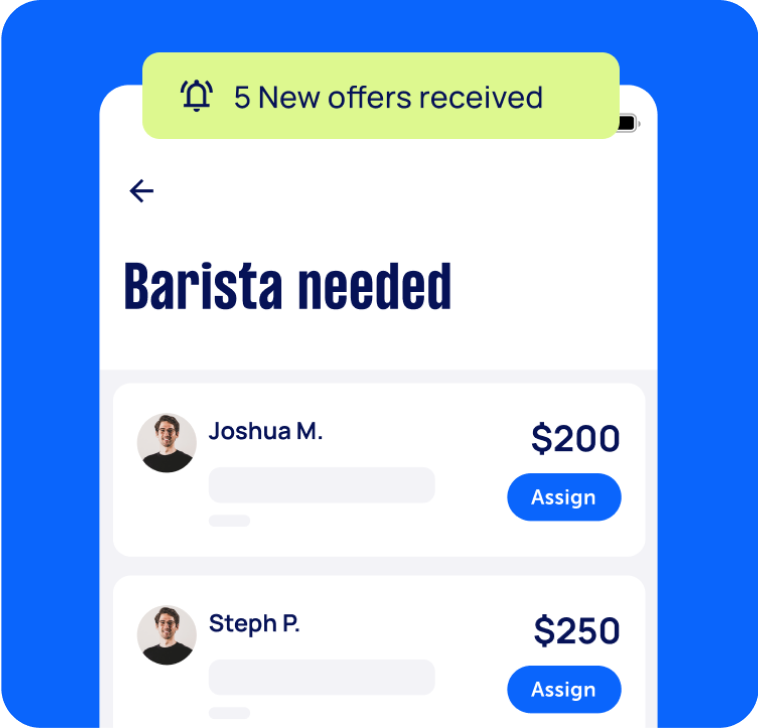
Review offers
Get offers from trusted Taskers and view profiles.
Get it done
Choose the right person for your task and get it done.
283+
Tasks successfully completed
2
Average amount of offers per task
3
mins
Average time to receive offers
Computers & IT Services
Android App Development
App Development
Apple Help
Apple Mac Repairs
Computer Backup Help
Computer Hardware
Computer Support
Computer Training
Computer Upgrades
Email Setup
Home Network Setup
iCloud Setup
Internet Help
iPhone Help
iPhone Repair
iPhone Screen Replacement
IT Support
Laptop Repair
Macbook Air Repair
Macbook Repairs
Microsoft Excel Help
Microsoft Help
Microsoft Powerpoint Help
Microsoft Windows Help
Mobile App Development
Network Troubleshooting
Printer Help
Router Modem Setup
Scanner Setup
Screen Repair
Server Upgrading & Support
Software Help
Troubleshooting
Virus Removal
Wifi Help
Windows Help
Windows Installation
Computer Repairs
Technical Support
Data Recovery
Related Services near me
Related Locations
Top Locations
Sunshine Coast Computers & IT
Adelaide Computers & IT
Perth Computers & IT
Hobart Computers & IT
Central Coast Computers & IT
Wollongong Computers & IT
Newcastle Computers & IT
Sydney Computers & IT
Parramatta Computers & IT
Ballarat Computers & IT
Geelong Computers & IT
Melbourne Computers & IT
Canberra Computers & IT
Brisbane Computers & IT
Gold Coast Computers & IT
Suggested reads about Computers & IT


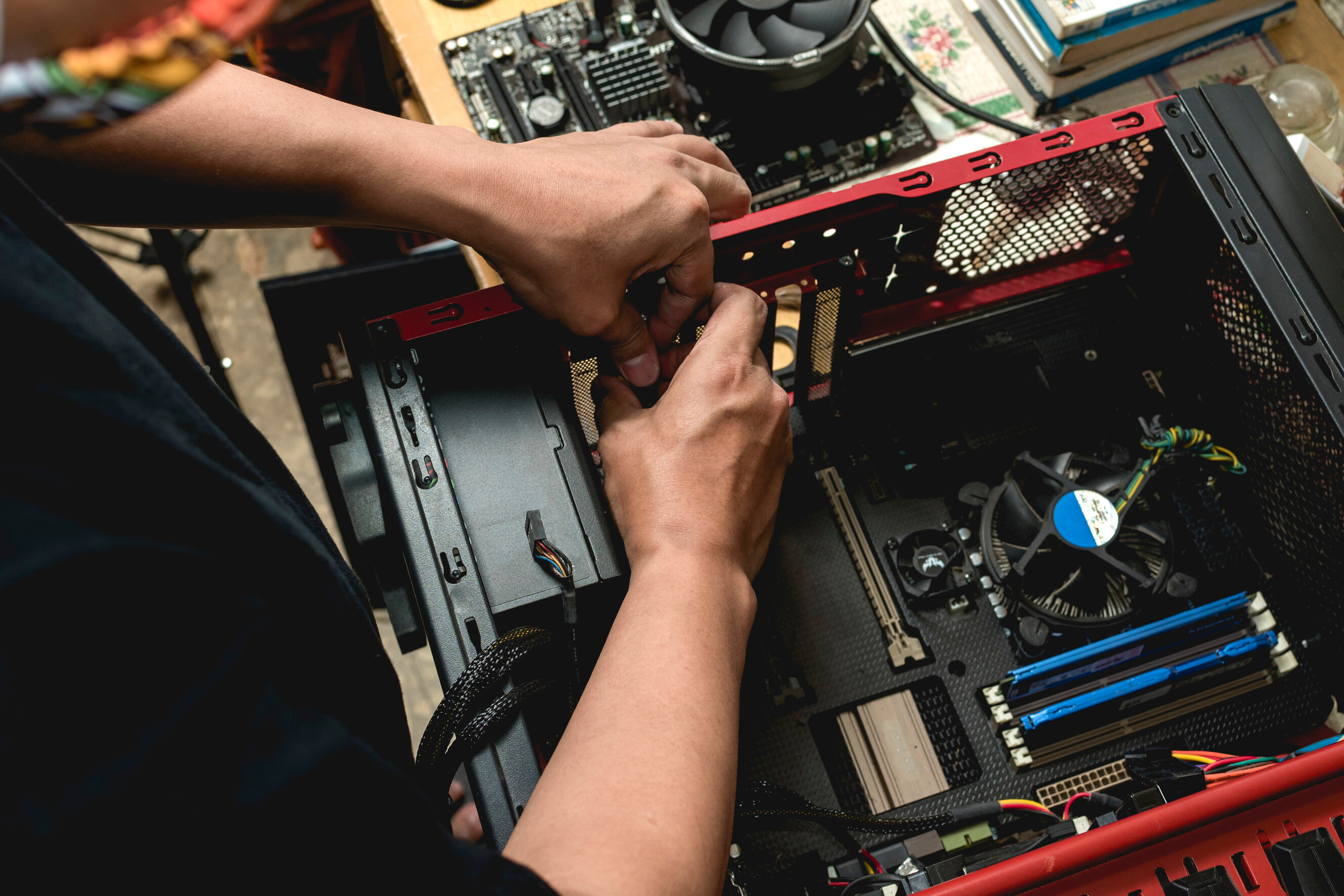
What does a computer service include?
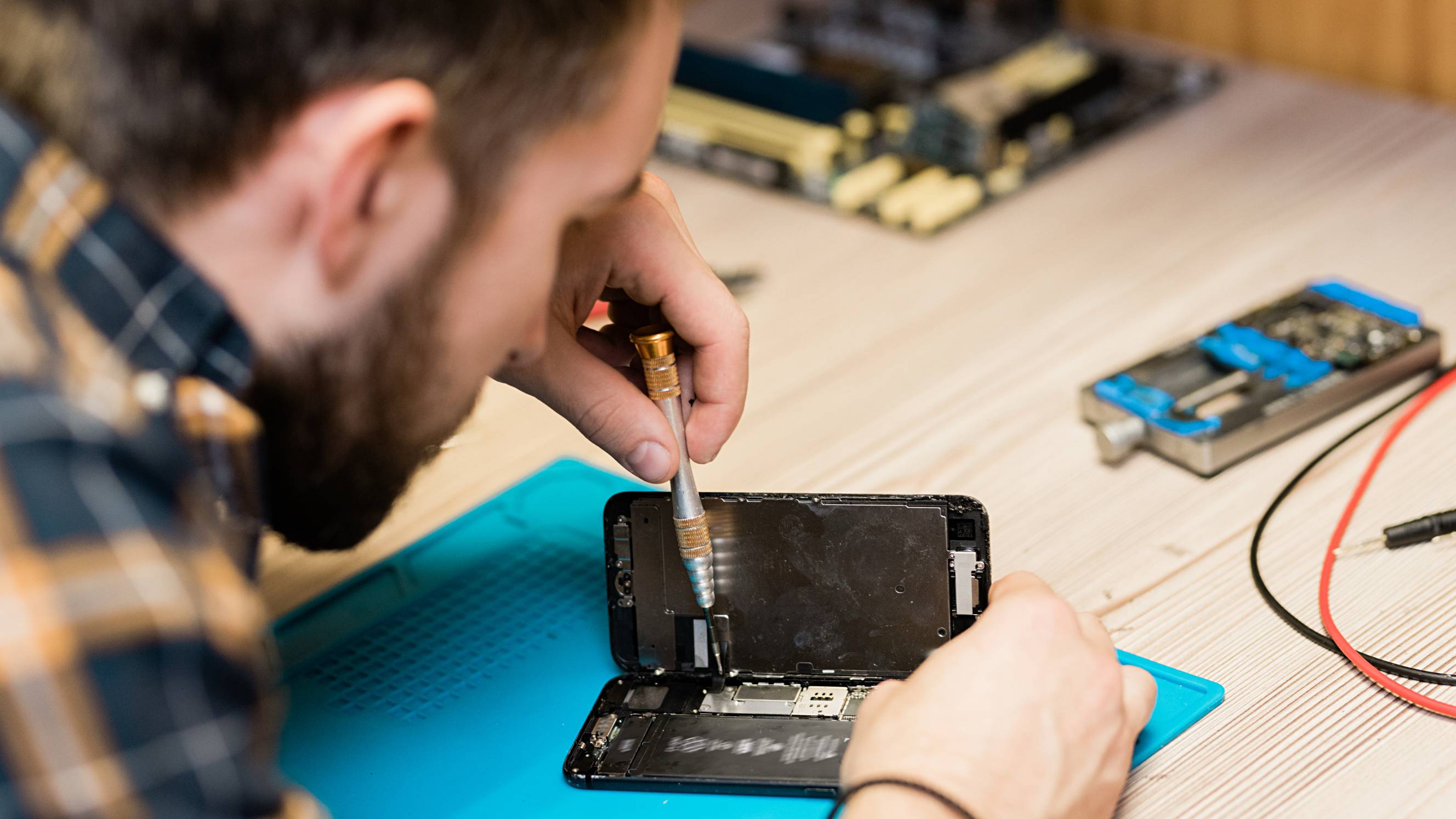
The exact steps and inclusions in your computer service will depend on the computer and IT challenges you’re facing. In most cases, computer technicians are mobile so they can come to your home or office. They’ll work on your computer until issues are fixed and you’ve got the help you need. Here are just a few IT and computer services your technician can help with:
Computer & network setup
Book an IT service near you to come to your home or office and setup your personal computer, home network, or more complicated workplace IT environment. Ask your computer technician to help with hardware setup, which covers tasks like computer and Mac setup, printer help, and scanner setup. They can also work to install and upgrade software. Knowing that your Windows install or server upgrades have been carried out by an experienced computer technician ensures your systems runs smoothly.
Computer repair
Got a computer problem like a slow machine or your computer not turning on? Computer repair technicians are experienced at fixing common complaints like these. Your computer technician will start by diagnosing the problem. Once they know what they’re dealing with, they’ll fix it right away or advise you on next steps, whether you need new parts, updated software, or a more intensive service off-site. Depending on the issue, your technician may be able to offer technical support over the phone or Skype so you can get your computer fixed sooner.
Computer training & troubleshooting
Confused by computers? You’re not alone. If you want to improve your Microsoft, Google, Skype, or email skills, book a computer training session. You’ll find plenty of friendly, patient and helpful computer technicians nearby. Let them know what programmes or internet skills you want to learn and they’ll walk you through the steps or troubleshoot the challenges you’re facing. Arrange a one-to-one lesson or book a small-class IT session for your friends and colleagues.
Internet & wifi help
When your internet and wifi stop working, your world can come to a standstill. Your computer technician will whip your connections into line so it’s business as usual. Internet help can range from connecting your devices and troubleshooting connection issues to improving internet speeds and wifi extender setup.
Cyber security & antivirus
Keep your computer and IT environment safe and secure from hackers and viruses. Book a computer technician to help with firewall setup and installing antivirus software. If you get hit with malware or a virus, your technician will take virus removal steps, fix any damage caused, and ensure your device is protected from future attacks.
Recent Computers & IT tasks in Outer East Melbourne
Set up star link internet
$100
Rowville VIC 3178, Australia
16th Oct 2026
Need to someone to set up home internet , star link - need to put on the roof


Jaya was fantastic, will definitely use him again
ASAP - Quick IT Configuration – Rowville
$50
Rowville VIC 3178, Australia
16th Oct 2026
Small IT configuration job in Rowville. Jeremy O. previously mentioned living just around the corner. All the necessary settings and information are already available. Just need someone to enter them. Approximately 10–15 minutes. Prefer someone very local who can attend ASAP. Budget: $50
🚨 URGENT – IT/Network Technician Needed TODAY
$150
Rowville VIC 3178, Australia
12th Oct 2026
🚨 URGENT – Needed TODAY Experienced IT/network technician needed ASAP for a home office in Rowville, just off Wellington Road. Our computers have been losing internet connection intermittently and now won’t connect at all. Wi-Fi on phones and cameras is also dropping in and out. Work required: * Diagnose and fix internet connection problems. * Check modem, NBN equipment and network cabling for faults. * Organise, tidy and secure messy cabling. * Restore stable internet and Wi-Fi across all devices. Business operations are affected. Urgent attendance required TODAY. Please advise your earliest arrival time. Ready for you to start immediately.

Very good. Thank you
Software modifications to App
$500
Boronia VIC 3155, Australia
11th Oct 2026
Need a Software developer to work on some minor adjustments to a Website and App
Troubleshooting NBN connections and internet connections.
$200
Dixons Creek VIC 3775, Australia
10th Oct 2026
Have two NBN satellite connections with Active8 as our ISP. I want to optimise my connections to get maximum speed.


Great Job and was able troubleshoot other issues such as printer and memory.
Help me build my PC (mostly just the power supply and cords)
$120
Mooroolbark VIC 3138, Australia
9th Oct 2026
I believe I have all the components. The CPU, AIO COOLER, RAM, GPU, and SSD are all installed in the motherboard, and the motherboard and AIO radiator are both installed in the case ( though I think the AIO radiator is mounted in the case the wrong way), I just need help to put the power supply in, make sure the power cords go to the right places, and that all the fans and Case power and function buttons are all plugged in correctly.

Awesome help. Would recommend again.
Get a racing sim arcade machine screen working
$150
Mount Evelyn VIC 3796, Australia
7th Oct 2026
Need someone handy with computers to come out and get a racing sim arcade machine working. (New full-computer on site) What's going on: * The machine has a computer inside that runs the game. * The computer was replaced recently, but the screen now just says "power saving" and won't show a picture. What we need you to do: * Check all the cables going from the computer to the screen and make sure they're plugged into the right ports and sitting firm. *We suspect it's just a wire that the customer didn't plug in correctly. Good to know: *No need to be a specialist. If you're comfortable with PCs and cables, you'll be fine. *Machine is already set up in the customer's home, no heavy lifting needed.

Pretty efficient. Thanks for helping us. 👌
Usb data recovery
$30
Melbourne VIC 3137, Australia
7th Oct 2026
USB become unreadable but can still be detected on disk utility. Can also still see preview of the photos using 3rd party software. Looking for someone who can retrieve the data.
Relocate NBN box to a different location in the house
$50
Bayswater VIC 3153, Australia
3rd Oct 2026
Hi I want to relocate the NBN box ( currently in a bedroom on the right side of the house) to a family area in the house. Single storey. Tiled. Current NBN connection from road to house is on the left side of the house . The cables are coming underneath to the current location. (House is on stumps).
Set up internet to cameras and set cameras up
$80
Nunawading VIC 3131, Australia
30th Sep 2026
Need to install my cameras onto my phone and connect the internet to to camera screen recorder
IT Tech Needed: Install SSD & RAM + OS Migration for Dell Desktop
$100
Lysterfield VIC 3156, Australia
12th Sep 2026
I need a computer technician to upgrade my Dell Inspiron 3891 desktop at my home. I will provide the hardware components. > Scope of Work: > * Install my new 1TB M.2 NVMe SSD into the motherboard. > * Install my new 8GB DDR4 RAM stick. > * Clone/migrate the Windows 11 system and data from the existing hard drive to the new SSD. > * Set up the SSD as the boot drive and test system performance. > Location: Lysterfield VIC 3156 > Note: I will purchase the SSD and RAM. Looking for IT and software setup only.


Thank you for your professional service . My pc issue has been solved it goes very fast now. Thanks again!
Set up dual monitor
$70
Wantirna South VIC 3152, Australia
5th Sep 2026
I have a dual monitor arm and two monitors I need set up. It has instructions but I can’t figure it out 🤦♀️


Did a great job would hire again
Assemble flow hive
$150
Donvale VIC 3111, Australia
15th Aug 2026
Put together flow hive and frames as per online instructions. No tools needed.


Great guy, would use again
PC Case Swapped
$100
Vermont South VIC 3133, Australia
10th Aug 2026
I need my pc case swapped to a different one, happy to travel to you. I have the new case as well. Reposting this as the old task expired

It’s been great working with Keyvan
Extend NBN& Install Wi-Fi Access Point at Rear of House
$200
Rowville VIC 3178, Australia
6th Aug 2026
Title: Extend NBN/Internet Connection & Install Wi-Fi Access Point at Rear of House I’m looking for an experienced network technician or licensed cabler to improve the Wi-Fi coverage in my home. Current setup: * The modem/router is located in the front living room. * Wi-Fi signal is very poor at the rear of the house. * Single-storey home. What I need: * Run an Ethernet cable from the existing modem/router to the rear of the house. * Install a new Wi-Fi access point (or suitable secondary router configured as an access point) at the rear to provide strong wireless coverage. * Ensure the new access point is properly configured and seamlessly extends the existing network. * Test the connection and Wi-Fi coverage before finishing. Please let me know: * Whether you are a registered cabler (preferred). * If you can supply the access point/router or if I should purchase one separately. * Any recommendations for the best setup after inspecting the house. Please include your experience with home network installations and what’s included in your quote.


**Felt Scammed – Very Disappointing** Posted a $200 task expecting network extension/wiring. After inspecting the house, the tasker said no wiring was needed and simply configured my existing eero. No cabling or hardware was installed. Despite the scope being much simpler, the price wasn't discussed or adjusted. Requested a partial refund; offered only $15. I felt the $200 was extremely poor value.
New PC not booting, need help
$80
Boronia VIC 3155, Australia
1st Aug 2026
Hi, I have just built a brand new PC and I need help getting it working. Looking for someone experienced with PC building, Intel systems, DDR5 memory, and BIOS troubleshooting. The PC powers on, but I cannot get any display output or enter BIOS. I need someone who can troubleshoot the issue and help fix it (including BIOS update if required). specifications: * Motherboard: MSI PRO B860M-A WIFI * CPU: Intel Ultra 5 250K Plus * AIO: Arctic Liquid Freezer III 240 * RAM: V-Color Manta XSky RGB DDR5 6000MHz CL36 32GB (2x16GB) * GPU: Using IGPU * SSD: Lexar NM620 256GB PCIe Gen3x4 M.2 2280 * PSU: Corsair RM650e (2025) Fully Modular Current issue: When pressing the power button, the PC does not display anything on the monitor. Originally, the startup sequence was: 1. CPU red debug light flashes briefly (~1 second) 2. DRAM yellow debug light turns on for around 3–4 seconds 3. PC stays on for around 30 seconds 4. CPU red light flashes again 5. PC restarts automatically This reboot cycle repeated around 5 times, then sometimes the PC would stay powered on: * RAM RGB on * Arctic AIO running * Case fans running * No debug LEDs staying lit * But monitor still shows “No Signal” Troubleshooting already attempted: * Cleared CMOS multiple times using motherboard Clear CMOS button * Tested both RAM sticks separately (one stick at a time) * Reseated RAM multiple times * Removed RAM completely to test motherboard DRAM detection * Reseated CPU * Tried different HDMI cables * Tried different monitors * Tried to enter BIOS using Delete key Additional info: * I do not have a wired keyboard, only a wireless keyboard with USB receiver * The mb does not appear to have a BIOS Flashback / Flash BIOS button, so I cannot update the BIOS myself without the system successfully POSTing. * I also tested the system with no RAM installed: * DRAM yellow debug light stays on continuously * No reboot loop occurs * No display output * No beep (no motherboard speaker connected)

Thanks for much for troubleshooting some hardware issues. Would recommend!
Relocate NBN point
$150
Ringwood North VIC 3134, Australia
28th Jul 2026
Need someone to come and relocate NBN point Just moved in and the point was in the back bedroom. Access via subfloor. I only need it moved to an adjacent room a few metres away to an existing Telstra point


Great work fast response highly recommend
Unlock laptop
$50
Rowville VIC, Australia
19th Jun 2026
My mother retired 2 years ago and her company left her her laptop. It is locked to that company and I need it reset for personal use.


Good bloke and excellent communicator.
Laser printer jam — shredded paper stuck inside, needs clearing
$70
Ferntree Gully VIC, Australia
23rd May 2026
My laser printer has a severe paper jam — the paper has shredded and is stuck inside the rollers. I’ve tried removing it by hand but can’t get it out. Need someone to carefully remove all paper fragments and do a test print to confirm it’s working. Should be a quick job for someone with printer/tech experience


Good man, sorted my printer
Install Ethernet cable
$50
Kilsyth VIC, Australia
11th May 2026
Install Ethernet cable. Cable is supplied

Great service Excellent knowledge and expertise