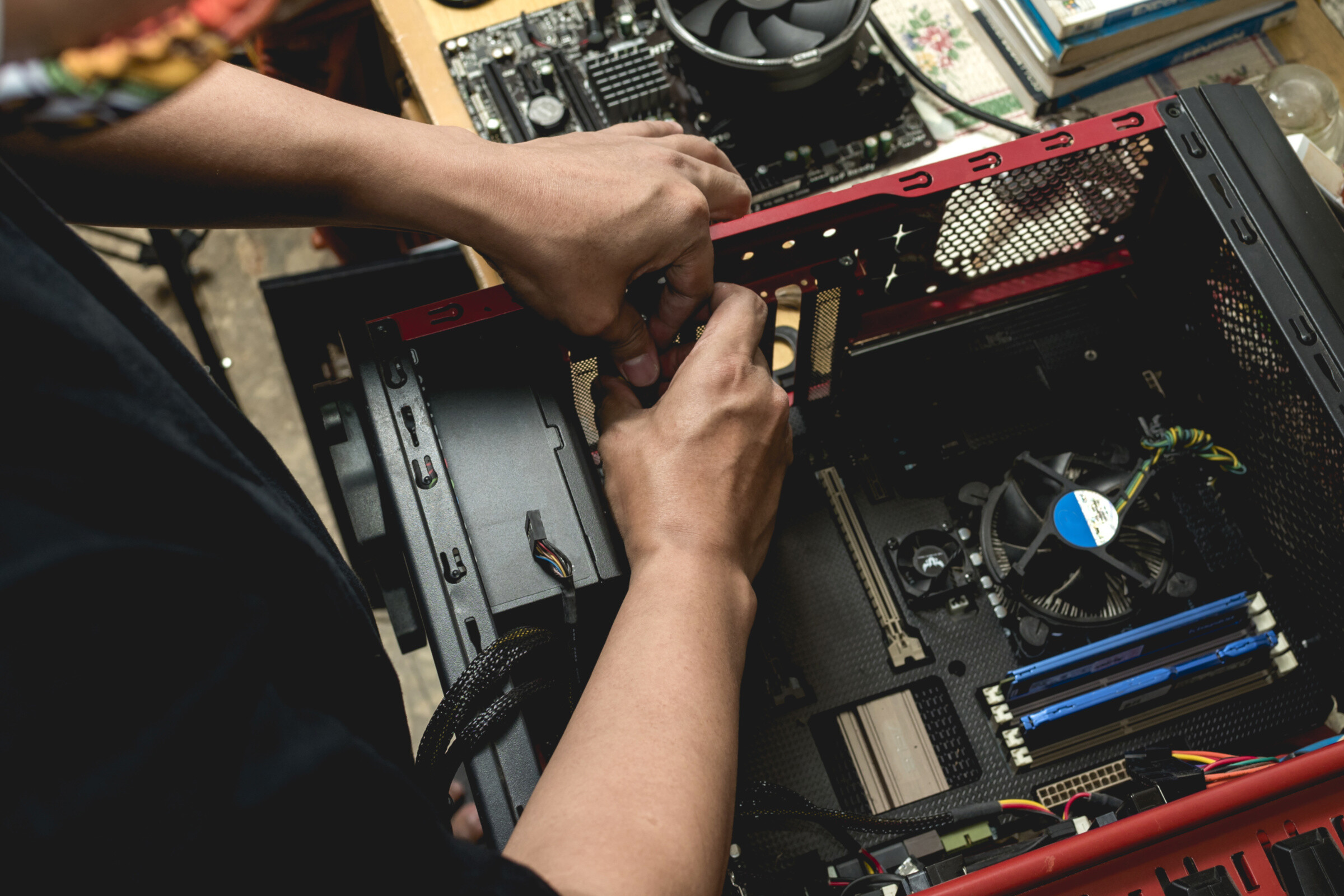
Find a professional computer repair service in Outer East Melbourne
Fill in a short form and get free quotes from PC repair experts in Outer East Melbourne
Great rating - 4.2/5 (11114+ reviews)
Get computer repairs near you
- Mobile computer technician in Outer East Melbourne
- Computer repairs
- Computer service
- Laptop repairs
- … or anything else
Best rated computer repair technicians near me

Latest Review
"Great service! Wonderful and efficient help "
Verified Badges

ID Verified

Payment Method Verified

Mobile Verified

LinkedIn Verified

Latest Review
"Good bloke nice manners got the job done "
Verified Badges
ID Verified
Mobile Verified


Latest Review
"Great guy very helpful and efficient "
Verified Badges
ID Verified
Mobile Verified

Latest Review
"Alex help us to run back the printer to its optimum capacity. very methodical. Great troubkeshooting skills and always p..."
Verified Badges
ID Verified
Mobile Verified

Latest Review
"Excellent work, highly recommend "
Verified Badges

Police Check
ID Verified
Mobile Verified

Latest Review
"Ricky was efficient, effective, practical and completely renovated our home wifi to be seamless. Highly recommended!"
Verified Badges
ID Verified
Mobile Verified

Latest Review
"Super knowledgeable & experienced Guy. Fixed all issues within a few hours. "
Verified Badges
ID Verified
Mobile Verified
Recent Computer Repairs reviews in Outer East Melbourne

absolutely fantastic service!! definitely use Salman!! thank you so much!!!
Set up of computer
$40

Great stuff really easy to do the task with.
Build a computer
$50

Fixed our issue and was quick too! Highly recommend !
Set up Swann NVR camera system
$80

Incredible - can not rate sal any higher. So thorough, and his expertise is unparalleled!! 100/10
Optimise gaming PC
$100
perfect service down the the last detail, even helped put everything back together which was very considerate. couldnt have picked a better person 😍😍
Pc system repair and possible hardware diagnosis
$150
low
$80
median
$100
high
$126

Average reviews for Computer Repairs Services in Outer East Melbourne
based on 87 reviews
4.94
What is Airtasker?

Post your task
Tell us what you need, it's FREE to post.

Review offers
Get offers from trusted Taskers and view profiles.

Get it done
Choose the right person for your task and get it done.
101+
Tasks successfully completed
3
Average amount of offers per task
2
mins
Average time to receive offers
Computers & IT Services
Android App Development
App Development
Apple Help
Apple Mac Repairs
Computer Backup Help
Computer Hardware
Computer Support
Computer Training
Computer Upgrades
Email Setup
Home Network Setup
iCloud Setup
Internet Help
iPhone Help
iPhone Repair
iPhone Screen Replacement
IT Support
Laptop Repair
Macbook Air Repair
Macbook Repairs
Microsoft Excel Help
Microsoft Help
Microsoft Powerpoint Help
Microsoft Windows Help
Mobile App Development
Network Troubleshooting
Printer Help
Router Modem Setup
Scanner Setup
Screen Repair
Server Upgrading & Support
Software Help
Troubleshooting
Virus Removal
Wifi Help
Windows Help
Windows Installation
Technical Support
Data Recovery
Related Services near me
Related Locations
Top Locations
Sunshine Coast Computer Repairs
Adelaide Computer Repairs
Perth Computer Repairs
Hobart Computer Repairs
Central Coast Computer Repairs
Wollongong Computer Repairs
Newcastle Computer Repairs
Sydney Computer Repairs
Parramatta Computer Repairs
Ballarat Computer Repairs
Geelong Computer Repairs
Melbourne Computer Repairs
Canberra Computer Repairs
Brisbane Computer Repairs
Gold Coast Computer Repairs
Suggested reads about Computer Repairs
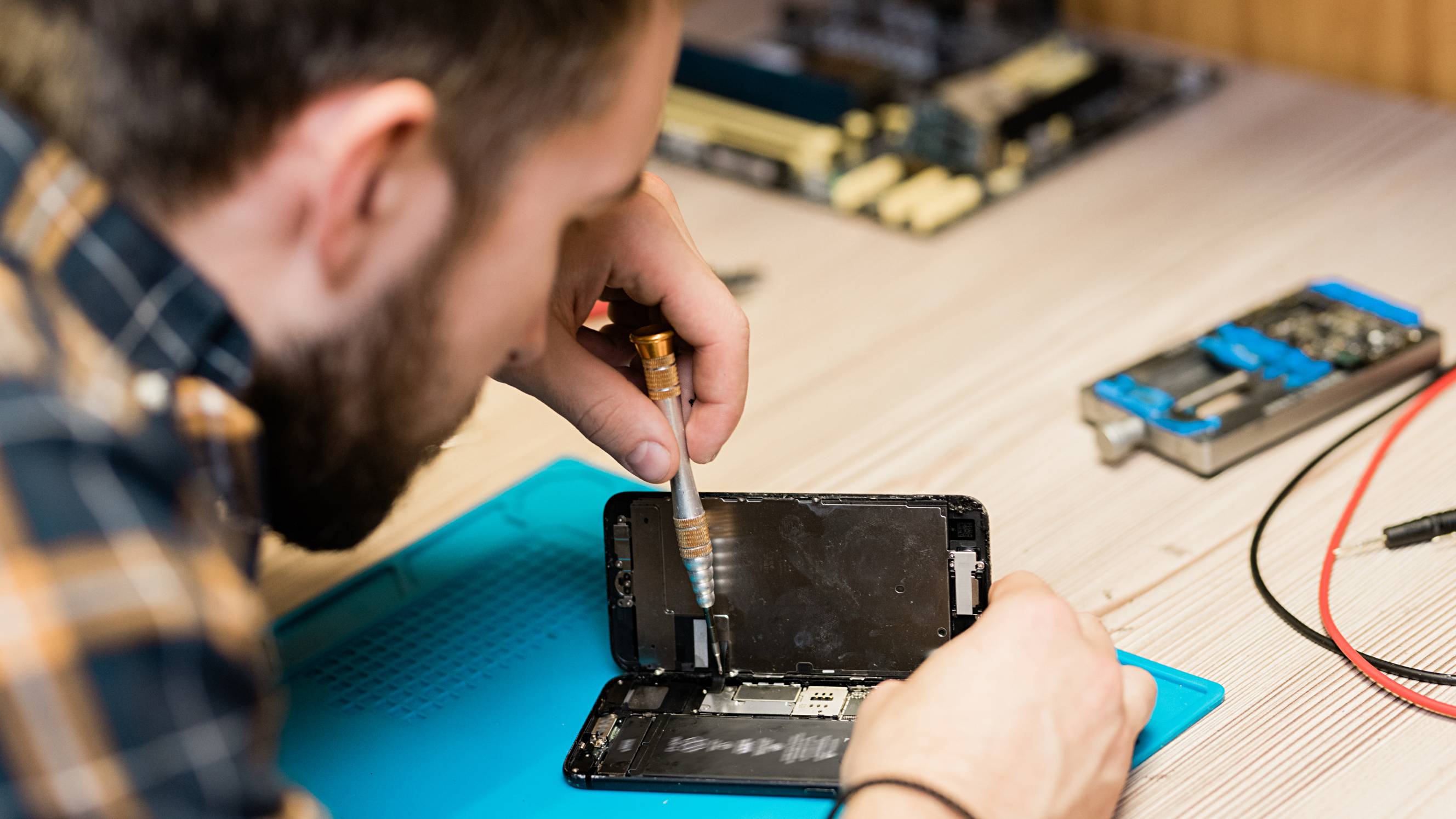


What does a computer repair service include?
Computers are complicated devices, so there’s quite a lot that can go wrong with them. The exact process and what you can expect from your computer repair technician will depend on your problem and the fixes they recommend. Here are some common types of computer repair services and inclusions:
Computer repair service - general troubleshooting and support
When you don’t have the time, knowledge, or patience to work out what’s wrong with your device, it makes sense to hire a computer repair service near you. Computer troubleshooting and technical support are usually the first steps to fixing any problems you’re having. Your PC technician near you will ask a few questions over the phone or on your task to assess the complexity of your issue. Then they’ll visit your home or office or provide virtual computer support to confirm the issue and recommend a suitable solution.
Computer repair service - upgrades and setup
A large number of computer problems are caused by outdated software. When your operating system updates, sometimes it can cause compatibility issues if your other programs don’t update at the same time. Fortunately, this is often an easy fix for PC repairs near you.
You can book a computer upgrade support to run a check and make sure your software and drivers are up to date. They can also download and install any software, computer upgrades, or even a new Windows installation if needed. With up-to-date programs and operating systems, everything should be compatible, run smoothly, and minimise your vulnerability to security threats.
Computer repair service - hardware repairs
Eventually, most computers end up with some kind of hardware failure, whether it’s the graphics driver, a dead battery, or even just a few keys coming loose on your laptop. Arrange computer repairs near you to make it easy to drop your computer in, or get a mobile repair technician to your home. A computer hardware specialist will diagnose issues like why your computer isn’t turning on, video display issues, and battery problems. They may run software tests or open up your laptop or computer case to take a look inside. They might also swap spare hardware parts with your existing parts to confirm which parts are causing your problem. Most computer technicians near you will be able to diagnose your problem within a few minutes, but it may take a few days or weeks to repair, depending on the complexity or your hardware repair, and whether or not the parts are available locally.
Computer repair service - antivirus and backup
As part of your PC repair services, your technician may set up antivirus and repair software, especially if they need to restore your files or get rid of malware on your computer. They’ll help backup computer files with cloud software like Dropbox, Google Drive, and OneDrive, or use an external hard drive. And they’ll likely run virus removal software to check for threats and protect your computer against future viruses. Be prepared to purchase extra software or hardware to sort out your antivirus protection and backups. These are important to minimise the risk of future problems and protect your important files, photos, work, and personal details.
Recent Computer Repairs tasks in Outer East Melbourne
Clean my PC and fix the leds
$70
Rowville VIC 3178, Australia
26th Oct 2026
My PC needs the LEDS disconnected and given a proper clean with compressed air etc. Bonus points if you can teach me to do it myself as well
I need some glitches fixed in my computer
$100
Park Orchards VIC 3114, Australia
23rd Oct 2026
My computer has developed a few glitches. I need to learn how to manage them better and set up my sound system properly for work meetings
Set up star link internet
$100
Rowville VIC 3178, Australia
16th Oct 2026
Need to someone to set up home internet , star link - need to put on the roof


Jaya was fantastic, will definitely use him again
Help me build my PC (mostly just the power supply and cords)
$120
Mooroolbark VIC 3138, Australia
9th Oct 2026
I believe I have all the components. The CPU, AIO COOLER, RAM, GPU, and SSD are all installed in the motherboard, and the motherboard and AIO radiator are both installed in the case ( though I think the AIO radiator is mounted in the case the wrong way), I just need help to put the power supply in, make sure the power cords go to the right places, and that all the fans and Case power and function buttons are all plugged in correctly.

Awesome help. Would recommend again.
Set up internet to cameras and set cameras up
$80
Nunawading VIC 3131, Australia
30th Sep 2026
Need to install my cameras onto my phone and connect the internet to to camera screen recorder
Computer help
$10
Ringwood VIC 3134, Australia
19th Sep 2026
I purchased a new computer in May ‘25 and it has been nothing but slow to use and need this fixed.

Was very helpful and honest.
PC Upgrade
$200
Vermont VIC 3133, Australia
17th Sep 2026
Looking to upgrade my PC from 3080ti to 5080, also wants cable management, cleaning and replace thermal paste etc. looking to do this mid October.
Job completed nicely
Claude newsletter set up
$100
Croydon North VIC 3136, Australia
7th Sep 2026
I need an IT expert who can help me with setting up newsletter from Claude
Need to set up a commercial printer
$200
Bayswater North VIC 3153, Australia
6th Sep 2026
We have bought second hand Konica-Minolta Bizhub press 6000. We have difficulty starting up. (It was running condition before) I would like to get printing machine expert to come and take a look at it my factory. The task include setting up , trouble shooting, basic maintenance and so on.

Alex help us to run back the printer to its optimum capacity. very methodical. Great troubkeshooting skills and always professional
Set up dual monitor
$70
Wantirna South VIC 3152, Australia
5th Sep 2026
I have a dual monitor arm and two monitors I need set up. It has instructions but I can’t figure it out 🤦♀️


Did a great job would hire again
Ethernet cable repairs oarknorchards
$300
Park Orchards VIC 3114, Australia
1st Sep 2026
Connect Ethernet cable to my granny flat
Need a printer board looked at and potentially repaired.
$50
Ringwood VIC, Australia
1st Sep 2026
The incorrect PSU was used and the printer no longer turns on. Wanting someone to analysis the faulty component and repair the board
Computer issues. Set up sim for his 20% rebate for his registration
$80
Nunawading VIC 3131, Australia
29th Aug 2026
My father cannot get emails or do his 20% rebate on services Australia website or get his nbn to work with the sim, or UTube on his iPad so I’m wanting someone that’s tech savvy who is wiz bang to knock this out of the park, patient with older people but knows exactly what to do would be magnificent

Highly recommend knows his stuff
HDMI port repair on Xbox series S
$100
Melbourne VIC 3137, Australia
19th Aug 2026
We are happy to drop it somewhere local. Just not sure who does this type of repair.
Computer virus removal
$100
Boronia VIC 3155, Australia
18th Aug 2026
Need virus removed off my laptop after a scam
PC Case Swapped
$100
Vermont South VIC 3133, Australia
10th Aug 2026
I need my pc case swapped to a different one, happy to travel to you. I have the new case as well. Reposting this as the old task expired

It’s been great working with Keyvan
Repair Xbox series x
$100
Vermont VIC 3133, Australia
2nd Aug 2026
Need Xbox series x repaired. Not turning on, tried new power cord but it’s not that.
New PC not booting, need help
$80
Boronia VIC 3155, Australia
1st Aug 2026
Hi, I have just built a brand new PC and I need help getting it working. Looking for someone experienced with PC building, Intel systems, DDR5 memory, and BIOS troubleshooting. The PC powers on, but I cannot get any display output or enter BIOS. I need someone who can troubleshoot the issue and help fix it (including BIOS update if required). specifications: * Motherboard: MSI PRO B860M-A WIFI * CPU: Intel Ultra 5 250K Plus * AIO: Arctic Liquid Freezer III 240 * RAM: V-Color Manta XSky RGB DDR5 6000MHz CL36 32GB (2x16GB) * GPU: Using IGPU * SSD: Lexar NM620 256GB PCIe Gen3x4 M.2 2280 * PSU: Corsair RM650e (2025) Fully Modular Current issue: When pressing the power button, the PC does not display anything on the monitor. Originally, the startup sequence was: 1. CPU red debug light flashes briefly (~1 second) 2. DRAM yellow debug light turns on for around 3–4 seconds 3. PC stays on for around 30 seconds 4. CPU red light flashes again 5. PC restarts automatically This reboot cycle repeated around 5 times, then sometimes the PC would stay powered on: * RAM RGB on * Arctic AIO running * Case fans running * No debug LEDs staying lit * But monitor still shows “No Signal” Troubleshooting already attempted: * Cleared CMOS multiple times using motherboard Clear CMOS button * Tested both RAM sticks separately (one stick at a time) * Reseated RAM multiple times * Removed RAM completely to test motherboard DRAM detection * Reseated CPU * Tried different HDMI cables * Tried different monitors * Tried to enter BIOS using Delete key Additional info: * I do not have a wired keyboard, only a wireless keyboard with USB receiver * The mb does not appear to have a BIOS Flashback / Flash BIOS button, so I cannot update the BIOS myself without the system successfully POSTing. * I also tested the system with no RAM installed: * DRAM yellow debug light stays on continuously * No reboot loop occurs * No display output * No beep (no motherboard speaker connected)

Thanks for much for troubleshooting some hardware issues. Would recommend!
PC Case Swapped
$100
Vermont South VIC 3133, Australia
22nd Jul 2026
I need my pc case swapped to a different one, happy to travel to you. I have the new case as well.
Laptop Repair
$100
Vermont VIC 3133, Australia
20th Jul 2026
My laptop local administrator accounts are locked out following the BitLocker recovery and domain trust issue thus need to reformat and reinstall the operating system. Instructions for the Repair Shop: • Request a clean reinstall of Windows 11 Enterprise. • Stop at the initial setup screen (language/region selection) after installation and not create a new user account. • You will need to visit to install (preferred) or if you're located nearby then I can visit as well. Once the laptop is ready, my Company IT will connect remotely to finish setting up your domain account and work apps.