Find a professional home network setup service in Inner West Sydney
Fill in a short form and get free quotes for home network setup services in Inner West Sydney
Great rating - 4.2/5 (11114+ reviews)
Need a home network service?
- Home network installation
- Home wireless network setup
- Wired home network setup
- Home network VPN
- … or anything else
Best rated home network setup technicians near me

Latest Review
"Stayed until all troubleshooting was done!"
Verified Badges

Police Check

ID Verified

Payment Method Verified

Mobile Verified

Twitter Verified

Latest Review
"Mohammed is patient and helpful, and makes everything easy for us. We would definitely work with him again on future sit..."
Verified Badges
ID Verified
Mobile Verified

Latest Review
"Quick, easy and efficient fix! Thank you!"
Verified Badges
ID Verified
Mobile Verified

Latest Review
"Fixed email issue in 10 min "
Verified Badges
ID Verified
Payment Method Verified
Mobile Verified

Latest Review
"Impressed with the drone videography, thank you."
Verified Badges
ID Verified
Mobile Verified

Latest Review
"Safe to say Harsi is now our go to tech guy! After moving into our new home, we struggled to connect to the internet. T..."
Verified Badges
ID Verified
Mobile Verified

Latest Review
"Amazing service went out of the way to assist. "
Verified Badges
ID Verified
Payment Method Verified
Mobile Verified

What is Airtasker?
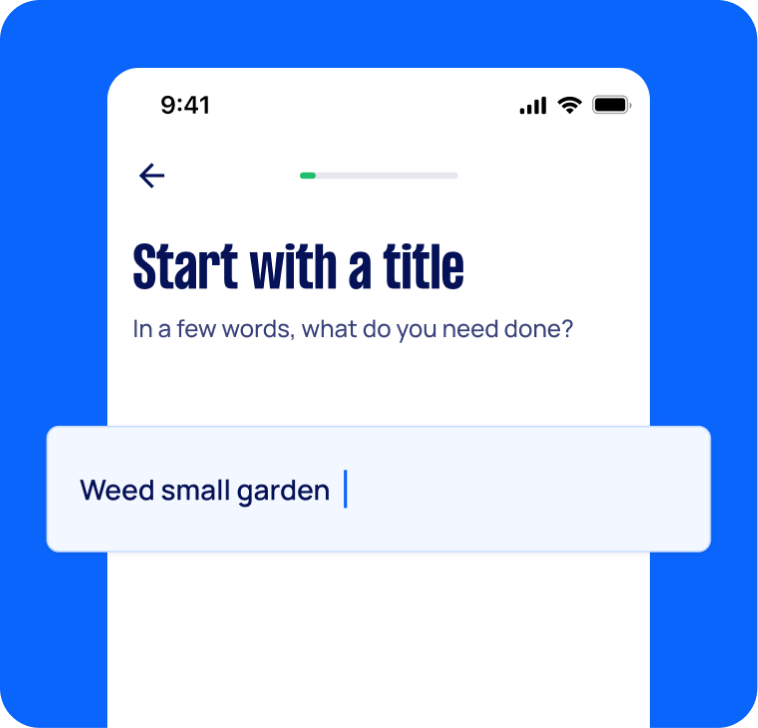
Post your task
Tell us what you need, it's FREE to post.
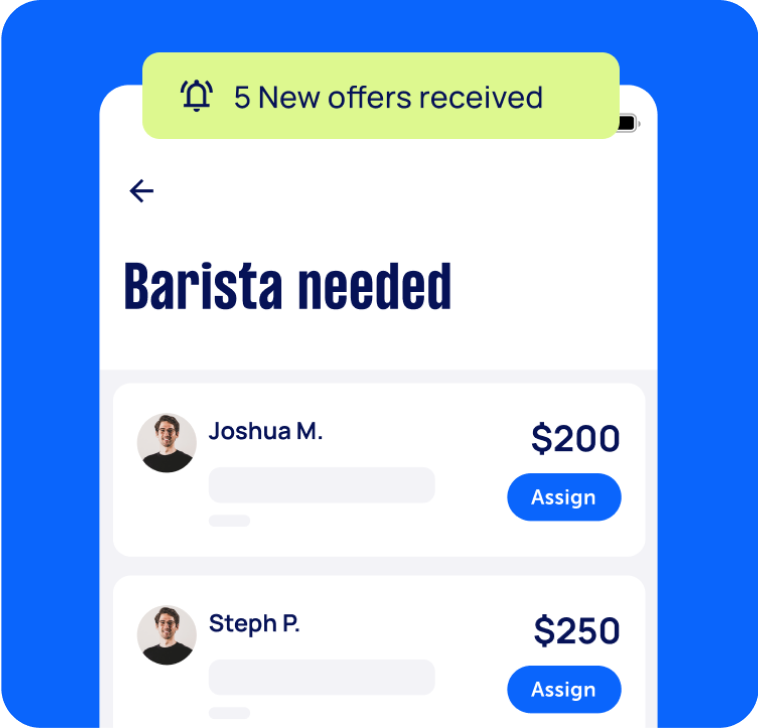
Review offers
Get offers from trusted Taskers and view profiles.
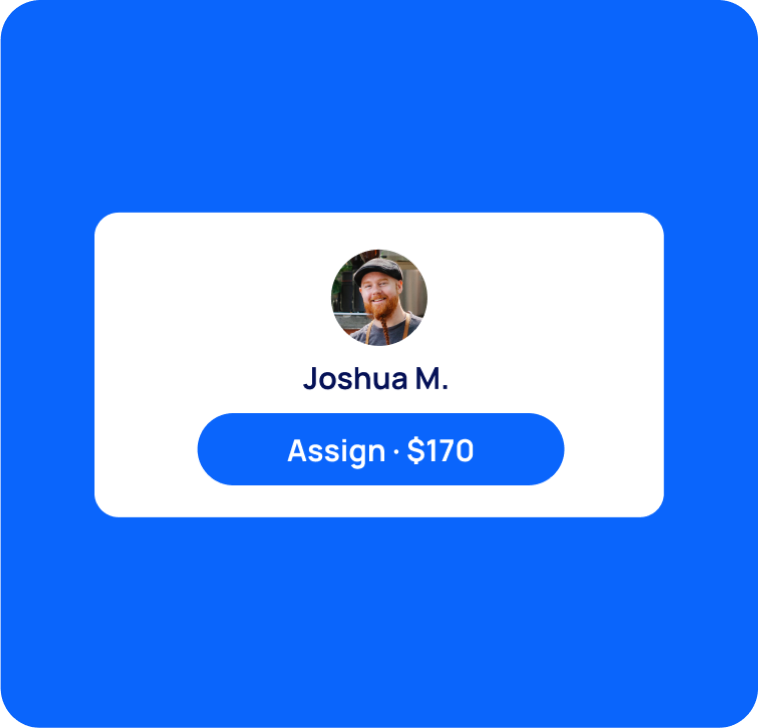
Get it done
Choose the right person for your task and get it done.
Computers & IT Services
Android App Development
App Development
Apple Help
Apple Mac Repairs
Computer Backup Help
Computer Hardware
Computer Support
Computer Training
Computer Upgrades
Email Setup
File Conversion Help
iCloud Setup
Internet Help
iOS Development
iPhone Help
iPhone Repair
iPhone Screen Replacement
IT Support
iTunes Help
Laptop Repair
Linux Help
Macbook Air Repair
Macbook Repairs
Microsoft Excel Help
Microsoft Help
Microsoft Outlook Help
Microsoft Powerpoint Help
Microsoft Windows Help
Microsoft Word Help
Mobile App Development
Network Troubleshooting
Printer Help
Router Modem Setup
Scanner Setup
Screen Repair
Server Upgrading & Support
Software Help
Speed Up Computer
Troubleshooting
Virus Removal
VPN Setup
Wifi Extender Setup
Wifi Help
Windows Help
Windows Installation
Computer Repairs
Technical Support
Data Recovery
Suggested reads about Home Network Setup


What do home network setup services include?
Home network setup services typically include gathering the components (hardware and software) to set up your wired or wireless home network. Setting up your home network may also involve configuring security settings and connecting all devices in your home (or workplace) to the internet.
A home network setup service does not include assembling your PC—though you can get this done by posting a separate task on our platform. Here’s an overview of the tasks involved in a home network installation service:
Gathering the components for your home network installation
Your Tasker can guide you in choosing the correct hardware and software for your home network setup. If needed, you can also ask your Tasker to obtain the additional supplies for your installation.
Hardware requirements typically include:
A telephone socket
Telephone connection to your internet service provider (ISP)
Broadband filter
Router
Wireless access point
DSL modem
Optional components are WiFi extenders or repeaters, cables, and cable couplers/splitters. You may also need to install some new switches and sockets to your home.
Meanwhile, software requirements may include:
A firewall
Internet connection sharing (ICS)
A computer that will be designated as a router
Connecting your router
Your local network installer needs to ensure all your devices (laptops, desktops, etc.) have a network adapter compatible with your router. Then, they’ll switch off the DSL modem and power up your router. They’ll plug network cables into the router port labelled “Internet” or “WAN.” The other end will go into your modem.
Once the internet signal is strong on both the router and modem, the Tasker will connect the laptops and other devices to the internet.
Accessing and securing the router’s interface
Next, the home network setup specialist will usually connect one laptop to the router and access the router’s interface via a browser, the default IP (Internet Protocol) address, default administrator account, and password. The specialist will then change that laptop’s IP settings to match your router’s settings. This process makes it easy to make any configurations through that particular laptop.
Adjusting your security and IP address settings
Your home network must be secure from cyberattacks (or even just your next-door neighbor leeching off your WiFi). A Tasker can secure your network through the router management interface, usually under the “Security” menu. Having problems with your internet speed? Your computer specialist may also look into the issue and troubleshoot for viruses that might have infected your device.
Setting up a group and user accounts
Home network setup may also include creating a group for easily sharing files, pictures, and printers. Once this step is done, the Tasker sets up user accounts. This can help parents or bosses limit their kids’ or employees’ access to the internet, including who can view and edit documents, see certain file folders, and so on.
The exact process for setting up the group and user accounts may vary depending on the operating system that your devices have. Still, the result will be the same: a secure, easy-to-use wired (or wireless) home network!
Recent Home Network Setup tasks in Inner West Sydney
Home network installation
$350
Dulwich Hill NSW 2203, Australia
5th May 2026
We currently have a wifi setup which provides unacceptably low speeds in the first floor location. The house has a previously installed wired connection. Ultimately, we would like to have installed a mixed network, catering for ethernet-connected devices as well as mobile devices.
Setup home network
$150
Ashfield NSW, Australia
17th Apr 2026
I would like some help with setting up my home network. I am trying to get MoCA working which is proving difficult in my new rental apartment. Happy to walk you through the requirements over the phone prior to arrival so you can be prepared ahead of time There is also old telephone ports throughout the home, is it possible to use this instead of MoCA if not wired appropriately?
New Home network setup Telstra w/ UniFi edge router++
$300
Balmain NSW, Australia
22nd Jun 2024
Help configure a new Unfi network using edge router, switch, cloud key and AP’s all via Telstra HFC NBN connection. Using MacBook Pro.


Very nice to work with. Easy going and knowledgeable. Had my issues sorted remotely within 40 mins.