
Find a professional computer training program in Docklands
Fill in a short form and get free quotes for computer training services in Docklands
Great rating - 4.2/5 (11114+ reviews)
Need to hone your computer skills?
- Basic computer training
- Cloud computing training
- Computer programming training
- Computer technician training
- Online computer training
- … or anything else
Best rated computer trainers near me

Latest Review
"Thank you Alex for your kind support and flexibility to help this evening. Greatly appreciate your professional service..."
Verified Badges

ID Verified

Payment Method Verified

Mobile Verified

Latest Review
"Would definitely recommend"
Verified Badges
ID Verified
Payment Method Verified
Mobile Verified

Latest Review
"Job completed! Kevin was punctual and really good. "
Verified Badges
ID Verified
Payment Method Verified
Mobile Verified

LinkedIn Verified

Latest Review
"Great work from Justin. Very friendly and mounted the TV with great efficiency and detail. Brilliant!"
Verified Badges
ID Verified
Mobile Verified

Latest Review
"Sachin is prompt and has experience in doing all type of handyman jobs"
Verified Badges
ID Verified

Police Check
Payment Method Verified
Mobile Verified

IKEA Badge


Latest Review
"Absolute delight to work with, will happily have again in future"
Verified Badges
ID Verified
Payment Method Verified
Mobile Verified

Latest Review
"Top service, terrific bloke. Would highly recommend him!"
Verified Badges
ID Verified
Mobile Verified
What is Airtasker?

Post your task
Tell us what you need, it's FREE to post.
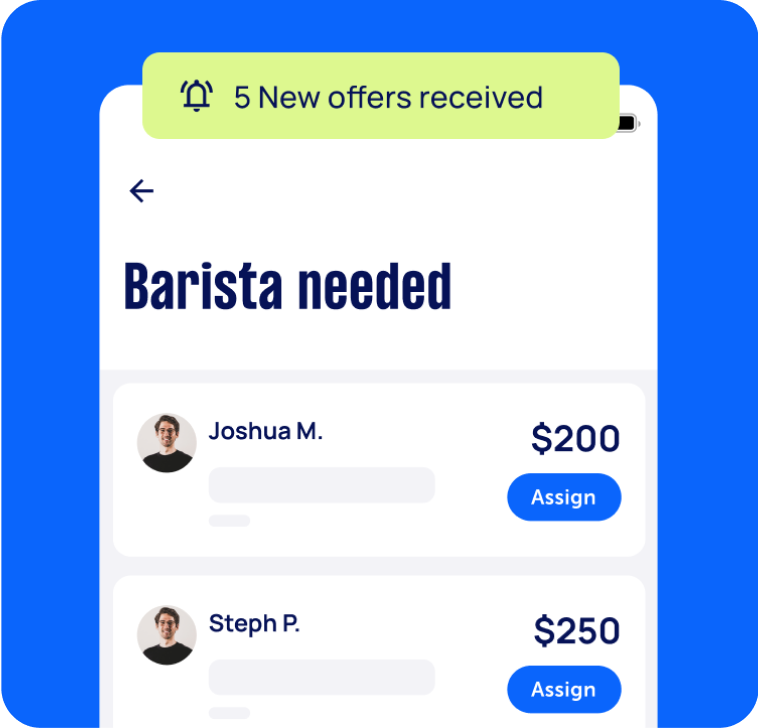
Review offers
Get offers from trusted Taskers and view profiles.
Get it done
Choose the right person for your task and get it done.
- Get it done now. Pay later.
- Repay in 4 fortnightly instalments
- No interest
- Available on payments up to $1,500
Computers & IT Services
Related Locations
Top Locations
Sunshine Coast Computer Training
Adelaide Computer Training
Perth Computer Training
Hobart Computer Training
Central Coast Computer Training
Wollongong Computer Training
Newcastle Computer Training
Sydney Computer Training
Parramatta Computer Training
Ballarat Computer Training
Geelong Computer Training
Melbourne Computer Training
Canberra Computer Training
Brisbane Computer Training
Gold Coast Computer Training




Recent Computer Training tasks in Docklands
Computer it
$150
Docklands VIC 3008, Australia
18th Nov 2025
Installation of SSD. System: Dell OptiPlex 3060 High Tower Upgrade Goal: Replace full 128 GB system drive with new 2 TB SSD as boot drive New Drive: Fanxiang S101 SATA SSD (2 TB), connected via existing spare SATA data and power cables Cloning Tool Used: OS successfully cloned to new SSD (confirmed in Windows Disk Management) Problem: New SSD is not appearing in BIOS boot options Cannot set it as the primary boot drive BIOS is set to UEFI mode, but SSD is not listed under SATA devices Windows shows the SSD as healthy and formatted with NTFS Bootloader may not have transferred correctly during cloning Windows Defender may have blocked critical cloning actions (multiple folder/memory access blocks logged) Attempts Made: Verified SSD health and partition structure in Windows Tried adding boot entry manually in BIOS (no EFI partition detected) Attempted to create Windows installer USB for bootloader repair, but ran into space and routing issues Prepared to use Rufus to build bootable USB and run bootrec commands Have not tried to connect with new cables 🔧 What Needs to Be Done Confirm SSD is physically detected in BIOS (System Info → SATA ports) Rebuild EFI bootloader on SSD using Windows installer USB or recovery tools Ensure SSD has proper GPT partitioning and EFI System Partition Set SSD as primary boot device in BIOS Note: l have only uses existing cables, l do have a data cable to use if necessary, l don't have a spare power cable (used existing). If you are unsure at all about what to do, please do not apply (payment on satisfactory completion)


Just outstanding, so good, nice person, highly recommended
Computer repairs
$100
Docklands VIC 3008, Australia
4th Jul 2025
Transfer all Files from laptop to another
Security scan my desktop computer for viruses, malicious software
$5
Docklands VIC, Australia
4th Nov 2024
I was scammed and they attempted to access my bank account. They not successful but my bank strongly advised that I not use my desktop until it has been thoroughly scanned for viruses or any malicious software. But I need this service done onsite. I have no idea what this would cost so have provided a budget of $5 but I’m looking for realistic pricing.


Job completed. Great service.