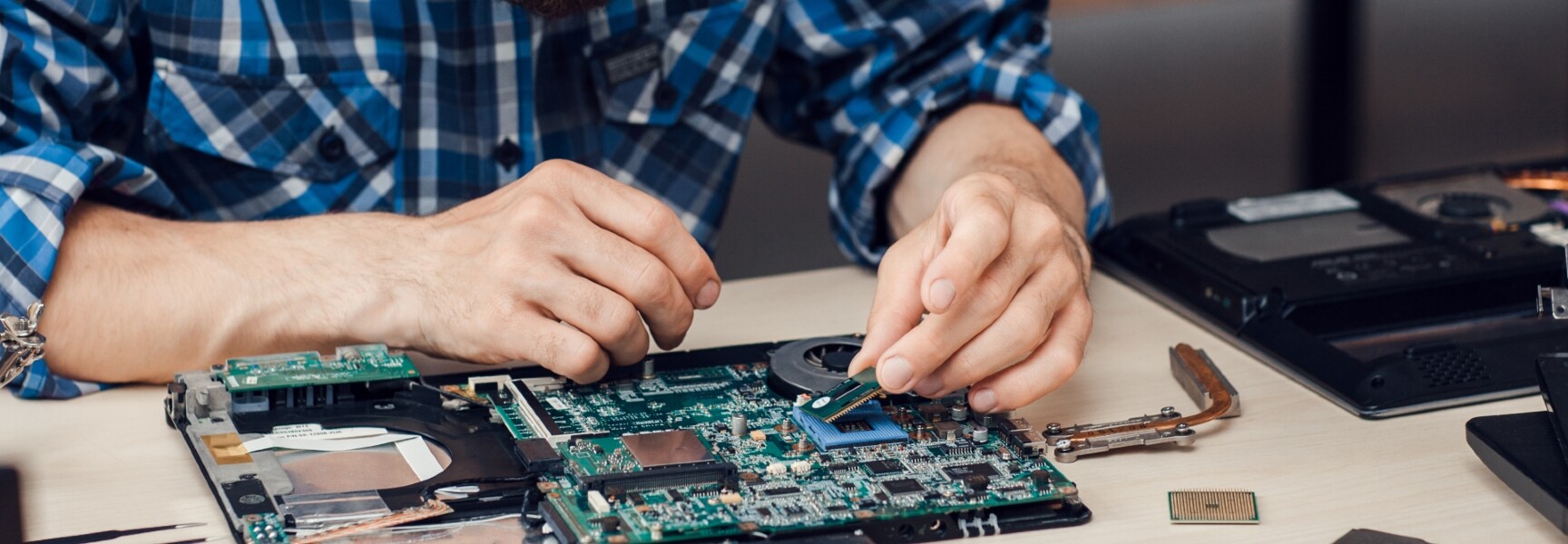
Find a professional troubleshooting technician in Inner South West Sydney
Fill in a short form and get free quotes from computer troubleshooting experts in Inner South West Sydney
Great rating - 4.2/5 (11114+ reviews)
Need a computer maintenance technician?
- PC troubleshooting
- Motherboard troubleshooting
- Hardware troubleshooting
- Troubleshooting slow computers
- Software troubleshooting
- … or anything else
Best rated computer troubleshooters near me

Latest Review
"Warren is very friendly and competent. He came out on short notice and fixed out little problem in no time."
Verified Badges

ID Verified

Payment Method Verified

Mobile Verified

Latest Review
"Being recently widowed I've been hesitant to have any work done feeling vulnerable and unsure however I took a step for..."
Verified Badges
Mobile Verified

Latest Review
"Very fantastic guy in his work. Tast management, details everything he knows well "
Verified Badges
Payment Method Verified
Mobile Verified

Latest Review
"Quick, easy and efficient fix! Thank you!"
Verified Badges
ID Verified
Mobile Verified

Latest Review
"Kevin was very professional and did his best to solve the issue."
Verified Badges
ID Verified
Payment Method Verified
Mobile Verified

LinkedIn Verified

Latest Review
"Stayed until all troubleshooting was done!"
Verified Badges

Police Check
ID Verified
Payment Method Verified
Mobile Verified

Twitter Verified

Latest Review
"Fixed email issue in 10 min "
Verified Badges
ID Verified
Payment Method Verified
Mobile Verified

Latest Review
"Very Skilled and got the job done very quickly !! Highly recommend "
Verified Badges
ID Verified
Mobile Verified
Recent Troubleshooting reviews in Inner South West Sydney

Amazing and honest well trustworthy reliable and professional team. Highly recommend to anyone book with confidence you will not be disappointed. Thank you Andrew and your colleague you went above and beyond
Wifi Troubleshooting
$180

Very happy with Jian's service!
Troubleshooting telephone line for NBN
$50

Warren took on the task of trying to work out a network glitch we had which took 20 POS terminals offline. He was very methodical and organised and worked through the issues until it was solved. Highly recommend Warren.
Troubleshoot connections for POS terminal setup
$200
What's the average cost of a computer troubleshooter in Inner South West Sydney
$165 - $210
low
$165
median
$180
high
$210

Average reviews for Troubleshooting Services in Inner South West Sydney
based on 3 reviews
5
What is Airtasker?

Post your task
Tell us what you need, it's FREE to post.

Review offers
Get offers from trusted Taskers and view profiles.

Get it done
Choose the right person for your task and get it done.
Computers & IT Services
Android App Development
App Development
Apple Help
Apple Mac Repairs
Computer Backup Help
Computer Support
Computer Training
Computer Upgrades
Email Setup
File Conversion Help
Google Chrome Help
Home Network Setup
iCloud Setup
Internet Help
iOS Development
iPhone Help
iPhone Repair
iPhone Screen Replacement
IT Support
Laptop Repair
Macbook Air Repair
Macbook Repairs
Microsoft Excel Help
Microsoft Help
Microsoft Onedrive Help
Microsoft Outlook Help
Microsoft Powerpoint Help
Microsoft Windows Help
Mobile App Development
Network Troubleshooting
Printer Help
Router Modem Setup
Screen Repair
Server Upgrading & Support
Software Help
Speed Up Computer
Wifi Help
Windows Help
Windows Installation
Computer Repairs
Technical Support
Data Recovery
Suggested reads about Troubleshooting


What do troubleshooting services include?
You likely spend a huge chunk of your day in front of a computer. Lags and glitches in your device can derail your plans for the day and stifle productivity. It's a good thing that finding computer troubleshooting near you is easy with Airtasker.
If you're wondering what you can have done under computer troubleshooting, here are a few examples:
Software cleanup
Most of the time, your computer slowing down is caused by too many software programs running simultaneously. You can have too many browsers open for work, research, and even video streaming. You may also have editing programs, folders, and messaging platforms open. What if none of these is the problem?
A troubleshooting specialist can help check if your software programs or app are running in the background, draining your battery and eating up your RAM. Some program installers, especially those from notable developers, may also have incompatibility with your device or other programs.
It's also possible that a virus or malware is installed from a sketchy source. You can avoid this by ensuring that you download only from legitimate websites hosted by companies you trust.
Device inspection
Aside from checking your RAM, there could be physical manifestations of why your device is slowing down. Much like any appliance in need of repair, gadgets also overheat, indicating a faulty battery.
Another thing to look out for are signs of moisture or mold, which could happen during sudden temperature changes or when you often drink or eat in front of your computer or laptop. Improper electrical wiring could also be a possible culprit, including accidentally pulling the plug while you work or kicking the wires and causing the computer to shut down abruptly.
Repair and support
Aside from troubleshooting, computer technicians can also help you identify the best solution for you. Maybe a quick fix and new antivirus software are all you need. If your device is under warranty, they can also point you to the nearest service center. Lastly, if it's beyond repair, Taskers can help you assemble a PC that fits your lifestyle and needs. Plus, the new setup can avoid the causes that slowed down or damaged your computer in the first place.
Recent Troubleshooting tasks in Inner South West Sydney
Troubleshoot connections for POS terminal setup
$200
Revesby NSW, Australia
31st May 2026
We have approx 18 POS terminals for a laundromat. We are having connectivity issues (seems like terminals are talking to 24 port switch as LEDs all lit up, but switch is not talking to internet). Hopefully just a cable loose somewhere or not connected in correct port. Rack is high off floor so you will need a 6ft ladder for easier access. Needs to be completed ASAP.


Warren took on the task of trying to work out a network glitch we had which took 20 POS terminals offline. He was very methodical and organised and worked through the issues until it was solved. Highly recommend Warren.
Set up / troubleshoot Elegoo 3D printer
$80
Carlton NSW 2218, Australia
20th Sep 2025
Need someone familiar with Elegoo 3D printer to set it up.
Wifi Troubleshooting
$180
Hurstville Grove NSW, Australia
24th May 2024
Need to diagnose why my wifi continually drops out from all devices


Amazing and honest well trustworthy reliable and professional team. Highly recommend to anyone book with confidence you will not be disappointed. Thank you Andrew and your colleague you went above and beyond
Troubleshooting telephone line for NBN
$50
Kogarah NSW 2217, Australia
29th Mar 2023
My house has multiple telephone sockets but none of them appear to be working for NBN. NBN device keeps blinking which means it's not connected. Need someone to come in and help me make NBN work for my modem According to NBN, my property has already activated NBN. The previous tenants might've taken away the NBN device so I have a new NBN device with me, along with a modem and activated NBN plan - Due date: Flexible


Very happy with Jian's service!