Find a professional computer repair service in Austin
Fill in a short form and get free quotes from computer repair technicians in Austin
Great rating - 4/5 (13330+ reviews)
Need a pc repair service?
- Home computer repair
- Mobile computer repair
- Windows computer repair
- Mac computer repair
- Local computer repair
- … or anything else
Recent Computer Repairs tasks in Austin, TX
Computer build
$200
Austin TX 78750, USA
Nov 1st 2026
I have the components ready to go. Might just need some screws
Custom pc work
$150
Austin TX 78701, USA
Oct 24th 2026
Installing a new m.2 SSD into a custom gaming PC and doing a fresh install of windows
Pc ensamblaje
$85
Austin TX 78753, USA
Aug 29th 2026
Ensamblar un enfriamiento líquido a mi PC


Very good Person de
What is Airtasker?

Post your task
Tell us what you need, it's FREE to post.

Review offers
Get offers from trusted Taskers and view profiles.

Get it done
Choose the right person for your task and get it done.
Suggested reads about Computer Repairs



What does a computer repairs include?
Computers are complicated devices, so there’s quite a lot that can go wrong with them. The exact process and what you can expect from your computer repair technician will depend on your problem and the fixes they recommend. Here are some common types of computer repair services and inclusions:
General troubleshooting and support
When you don’t have the time, knowledge, or patience to work out what’s wrong with your device, it makes sense to hire a computer repair service near you. Computer troubleshooting and technical support are usually the first step to fixing any problems you’re having. Your technician will ask a few questions over the phone or on your task to assess the complexity of your issue. Then they’ll visit your home or office or provide virtual support to confirm the issue and recommend a suitable solution.
Upgrades and setup
A large number of computer problems are caused by outdated software. When your operating system updates, sometimes it can cause compatibility issues if your other programs don’t update at the same time. Fortunately, this is often an easy fix for an experienced computer technician. They’ll run a check to make sure your software and drivers are up to date, then they’ll download and install any software, computer upgrades, or even a new Windows installation if needed. With up-to-date programs and operating systems, everything should be compatible, run smoothly, and minimise your vulnerability to security threats.
Hardware repairs
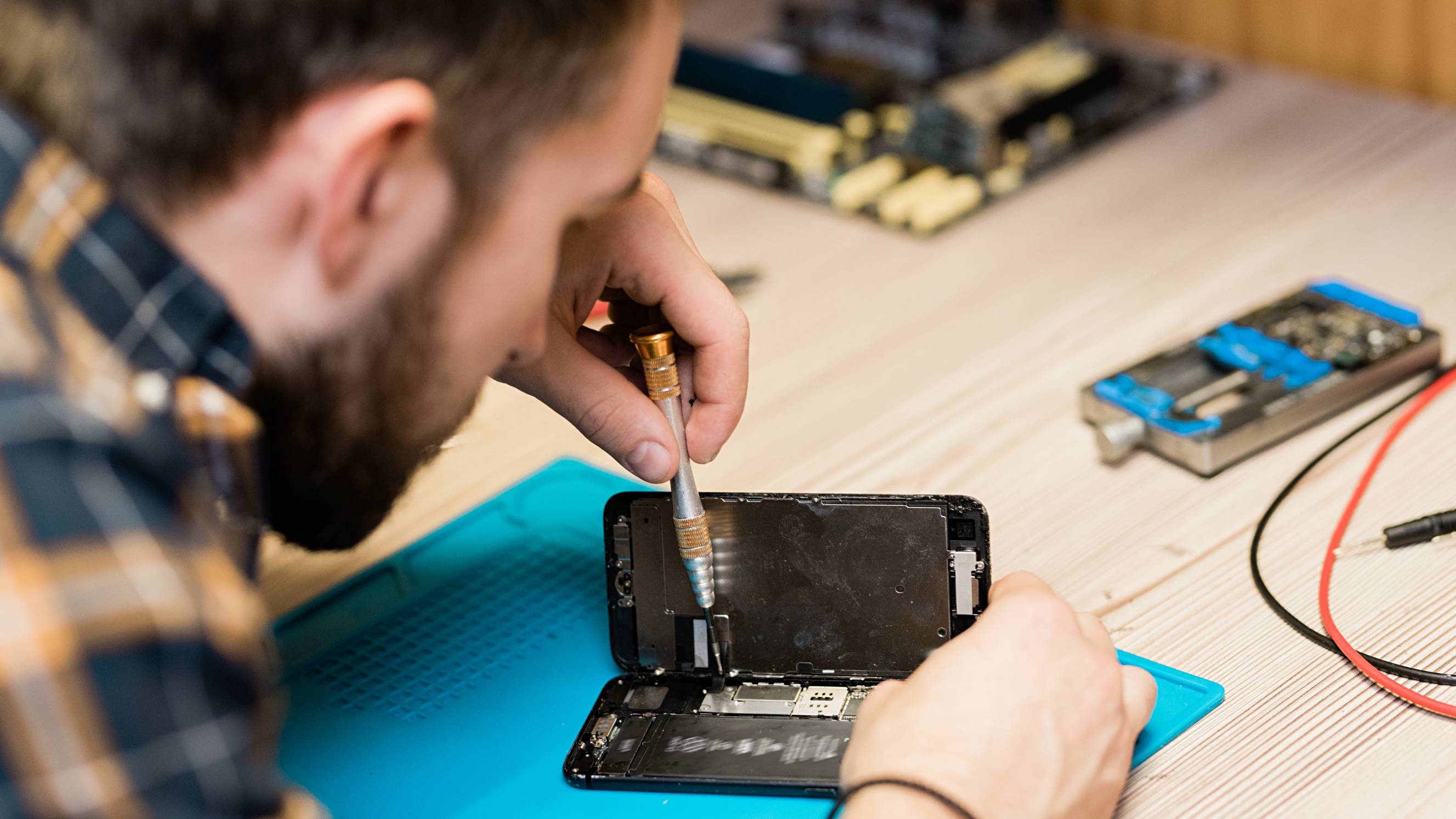
Eventually, most computers end up with some kind of hardware failure, whether it’s the graphics driver, a dead battery, or even just a few keys coming loose on your laptop. Arrange computer repair near you to make it easy to drop your computer in, or get a mobile repair technician to your home. A computer hardware specialist will diagnose issues like why your computer isn’t turning on, video display issues, and battery problems. They may run software tests or open up your laptop or computer case to take a look inside. They might also swap spare hardware parts with your existing parts to confirm which parts are causing your problem. Most technicians will be able to diagnose your problem within a few minutes, but it may take a few days or weeks to repair, depending on the complexity or your hardware repair, and whether or not the parts are available locally.
Antivirus and backup
As part of your repair services, your technician may set up antivirus and repair software, especially if they need to restore your files or get rid of malware on your computer. They’ll help backup computer files with cloud software like Dropbox, Google Drive, and OneDrive, or use an external hard drive. And they’ll likely run virus removal software to check for threats and protect your computer against future viruses. Be prepared to purchase extra software or hardware to sort out your antivirus protection and backups. These are important to minimise the risk of future problems and protect your important files, photos, work, and personal details.
Recent Computer Repairs tasks in Austin, TX
Put liquid cooling on my PC
$70
Austin TX 78753, USA
Aug 29th 2026
I bought a PC and it doesn't bring liquid cooling so I bought one and I want to put it on
Build my pc
$4,500
Austin TX 78748, USA
Aug 9th 2026
Need to build a computer, but also need to check if our current setup can handle the new speed.
Move apps and data from PC to iMac
$300
Austin TX 78750, USA
Mar 19th 2026
Shifting from PC to iMac and VERY confused by Mac interface ... need to install Photoshop Elements and Office (products ordered, but cannot figure out how to install them on iMac) AND need to transfer a LOT of files (images/documents) from PC to iMac.
Build a PC
$125
Pleasant Valley TX 78741 4737, USA
Aug 27th 2025
Put together a PC Motherboard - ASUS ROG Strix Z790-E Gaming WiFi 6E LGA 1700 * Processor - Intel 14900K * RAM - CORSAIR VENGEANCE DDR5 RAM 64GB (2x32GB) 5200 * Graphics card - No graphics card. I''m using integrated graphics. * Hard drive(s) or SSD(s) - Corsair MP600 PRO
Help set my current computer to be able to play games
$100
Austin, TX 78704, USA
May 11th 2024
i have a pc i used for work but i’m no longer using it for work and i want to use it for gaming.